
How to Build a Cold Outreach Pipeline from Scratch
A step-by-step framework for finding ideal leads, enriching them with AI, and running a full outbound sequence entirely inside Banana Cards.
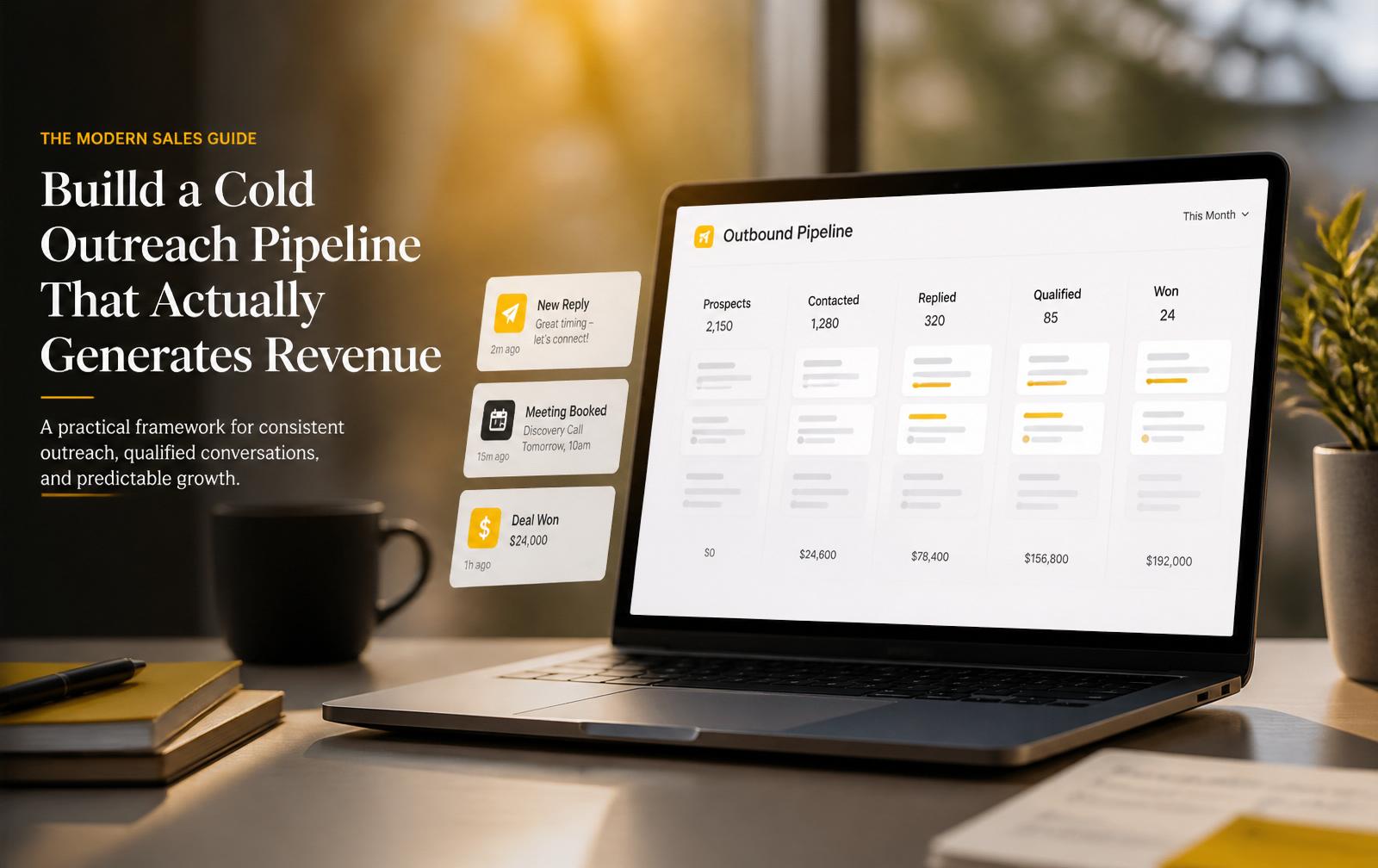
Cold outreach doesn't fail because of bad templates. It fails because most people treat it as a series of one-off sends instead of a system. In this guide, we'll build a complete cold outreach pipeline from scratch — the exact same one our team runs inside Banana Cards — so you can go from a blank list to booked meetings without duct-taping five different tools together.
By the end you'll have a working pipeline that finds ideal-fit leads, enriches them with real contact data, drops them into a multi-step sequence, and moves them through your CRM automatically.
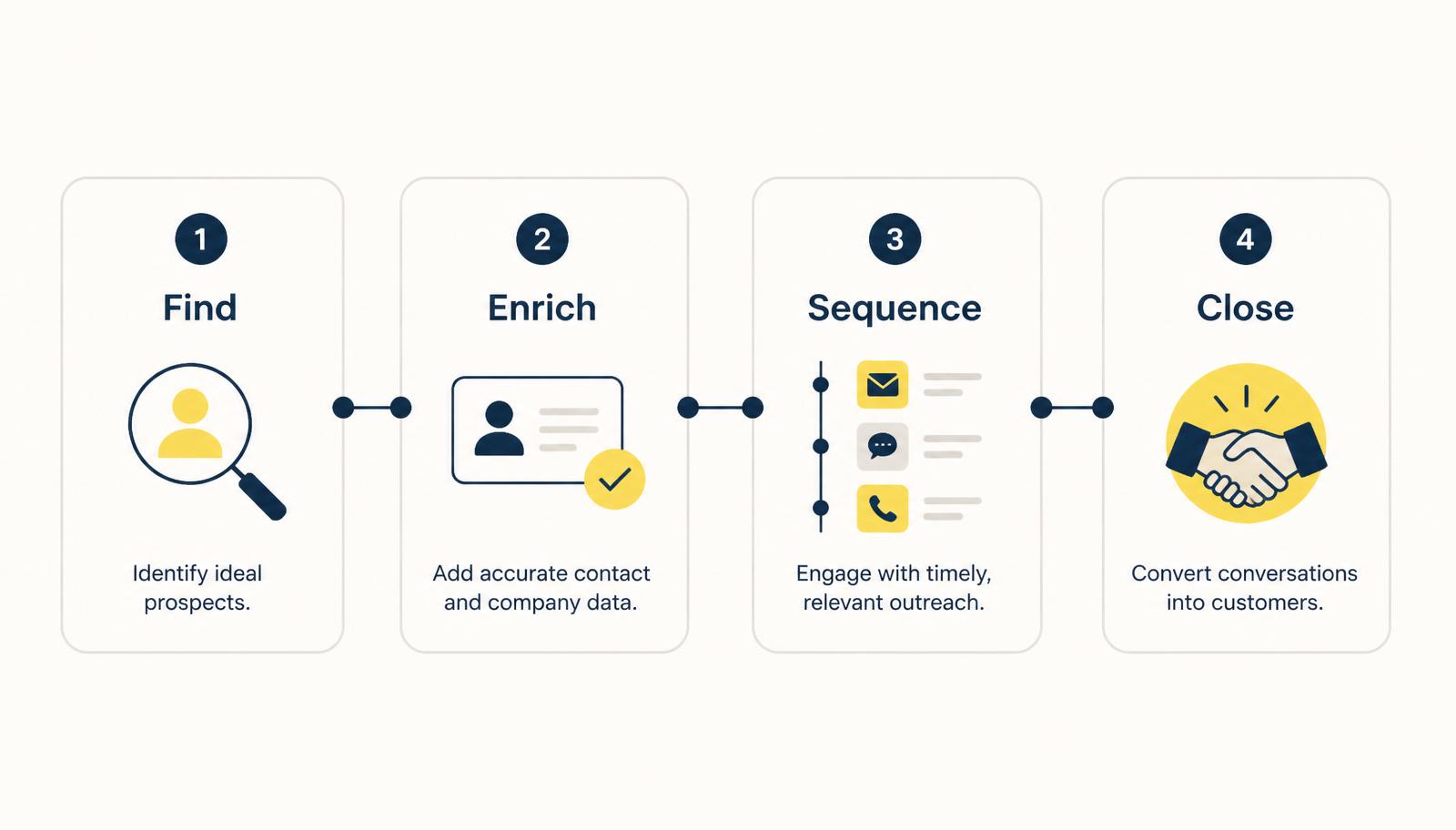
The four stages of a modern outreach pipeline
Every high-performing outbound motion — no matter how sophisticated — reduces to four stages:
- Find the right prospects
- Enrich them with verified data
- Sequence them with relevant messaging
- Close them inside a real CRM
If any one of these stages leaks, the whole pipeline underperforms. Most teams over-invest in step 3 (writing clever emails) while ignoring step 1 (defining who they're writing to). We'll fix that here.
Step 1 — Define your ICP before you touch any tool
Before you open the Lead Finder or write a single line of copy, write down your Ideal Customer Profile in one sentence:
We help [persona] at [type of company] to [specific outcome] without [current pain].
If you can't fill that in cleanly, you don't have an ICP — you have a hope. Everything downstream compounds off this sentence. A vague ICP produces vague lists, vague emails, and vague reply rates.
Good ICP: "We help Heads of Sales at 20–200 person B2B SaaS companies book 30% more qualified meetings without hiring more SDRs."
Bad ICP: "Founders who want to grow."
Step 2 — Build your lead list with the AI Lead Finder
Once your ICP is locked in, open Lead Finder inside Banana Cards. Instead of scraping LinkedIn manually, describe your ideal customer in plain English:
"Heads of Sales at B2B SaaS companies in the US and UK, 20–200 employees, using HubSpot or Salesforce."
Lead Finder returns a ranked list of matching people with verified emails, job titles, company data, and firmographic signals. Two rules to follow:
- Cap your first batch at 100 leads. You want to learn what works before scaling.
- Score, don't just import. Star or tag the leads that feel like a 10/10 fit. These become your "tier 1" segment and get your best sequence.
Step 3 — Push straight into a Pipeline
Every lead you keep should live inside a pipeline in your CRM — not a spreadsheet, not a saved search. In Banana Cards, create a pipeline called "Outbound — Q1" with stages like:
- New
- Contacted
- Replied
- Meeting Booked
- Qualified
- Won / Lost
From Lead Finder, select your tier-1 leads and click "Add to pipeline." They land in the New stage with all their enriched data attached. This one habit — everything lives in a pipeline — is what turns cold outreach from a chaotic activity into a measurable revenue channel.
Step 4 — Write a sequence that actually gets read
A good cold sequence has three properties: it's short, it's specific, and it's obviously written to this person, not a segment of 10,000. Here's a proven 4-step structure:
Email 1 — The "why you" opener
- One-sentence reason you're reaching out (something specific about them)
- One-sentence value proposition
- One low-friction question — no calendar links yet
Email 2 (Day 3) — The proof drop
- Reference a customer just like them
- Share one metric or outcome
- Ask the same question, slightly reframed
Email 3 (Day 7) — The teardown
- Send them a specific observation about their business (a landing page, a pricing tier, a hiring signal)
- Show, don't tell, that you understand their world
- Offer a 15-minute call
Email 4 (Day 12) — The permission close
- Two sentences, max
- "Should I close the loop, or is this worth a quick chat?"
Load the sequence into Automations and attach it to the New stage. Every lead added to the pipeline is now on autopilot.
Step 5 — Enrich the reply, not just the lead
When someone replies — even with a "not now" — your enrichment isn't done. Use Banana Cards' AI Enrichment to pull:
- Current tech stack
- Recent funding or hiring events
- Mutual connections
- Content they've published
Attach this to the lead's contact card before you reply. The difference between a generic "thanks for getting back to me!" and a reply that references their Series B two weeks ago is the difference between a meeting and a dead thread.
Step 6 — Move stages with real triggers
Movement between pipeline stages should be automatic wherever possible:
| Trigger | Action |
|---|---|
| Email opened 3+ times | Move to Warm stage |
| Reply received | Move to Replied stage, pause sequence |
| Meeting booked via Bookings link | Move to Meeting Booked, notify owner |
| No reply after 4 emails | Move to Nurture with quarterly touch |
Set these in Automations → Rules. This is where most teams stop losing deals to admin work.
Step 7 — Review weekly, not daily
Cold outreach is a system, and systems need review — but not obsessive tweaking. Every Monday, look at three numbers:
- Reply rate — under 5%? Your ICP or opener is wrong.
- Meeting rate on replies — under 20%? Your qualification is loose.
- Show rate on meetings — under 70%? Your booking flow has too much friction.
Fix the worst number first. Don't change three things at once — you won't know what worked.
Putting it all together
A real cold outreach pipeline inside Banana Cards looks like this:
- Lead Finder builds the list
- AI Enrichment fills in the gaps
- Pipelines hold every lead in a defined stage
- Automations run the sequence and move stages
- Bookings captures qualified meetings
- Analytics tells you what to fix next Monday
You don't need seven tools. You need one system, run weekly, tightened monthly.
Ready to build yours?
Everything in this guide runs inside a single Banana Cards workspace. Create a free account, open Lead Finder, and build your first 100-lead batch today. If you follow the framework above, you'll have your first replies within a week — and a real, measurable pipeline within a month.