
A CRM that captures leads while you sleep.
Every tap, scan and form fills your CRM automatically. Smart tags, enriched profiles and lifecycle pipelines so nothing slips.
- 0
- manual entry
- 100%
- captured
- 3x
- faster follow-up
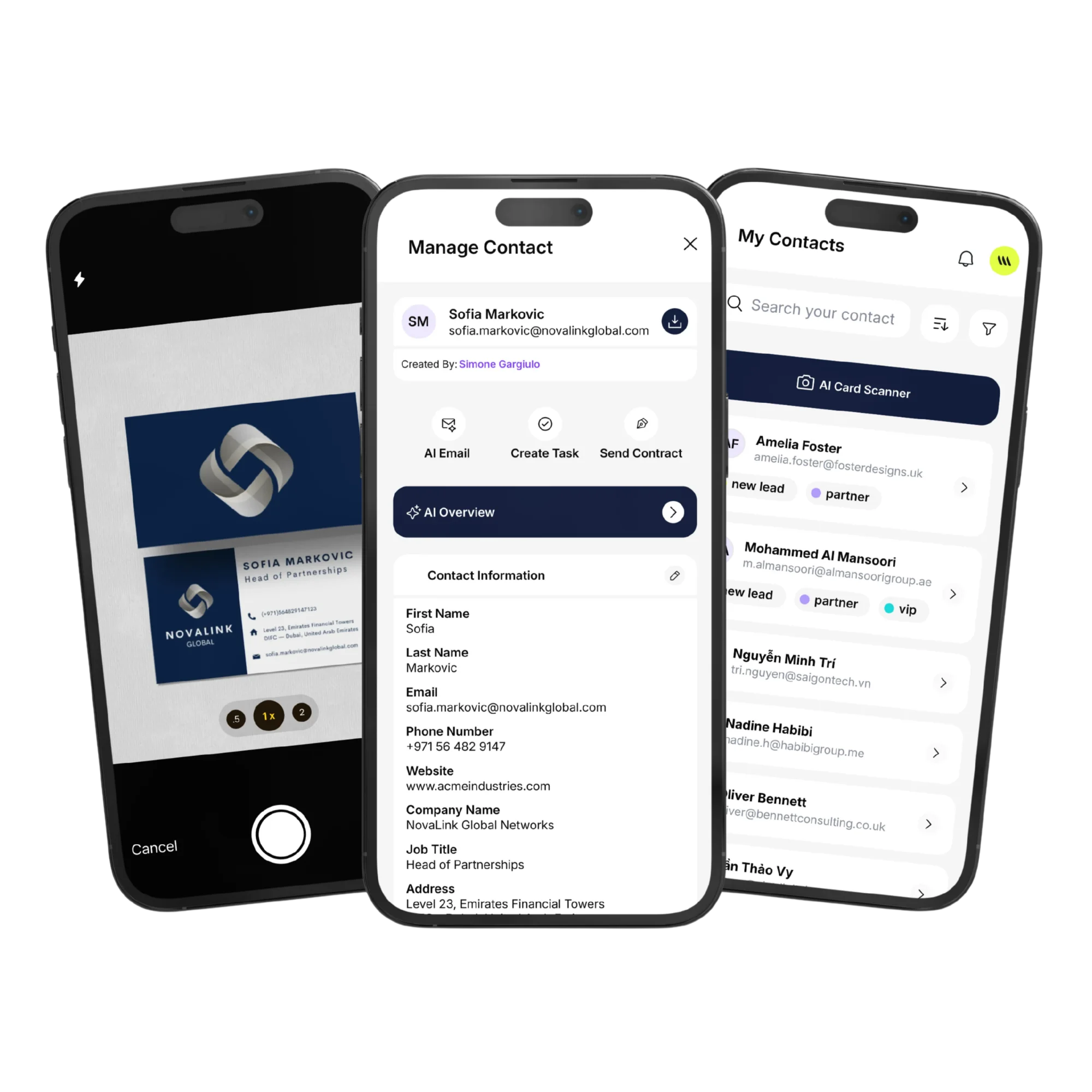
Auto-captured leads
Every share, scan, form and event flows into one inbox.
Smart tagging
AI suggests tags by event, source, role and recency.
Rich profiles
Email, socials, company, last touch — all enriched and deduped.
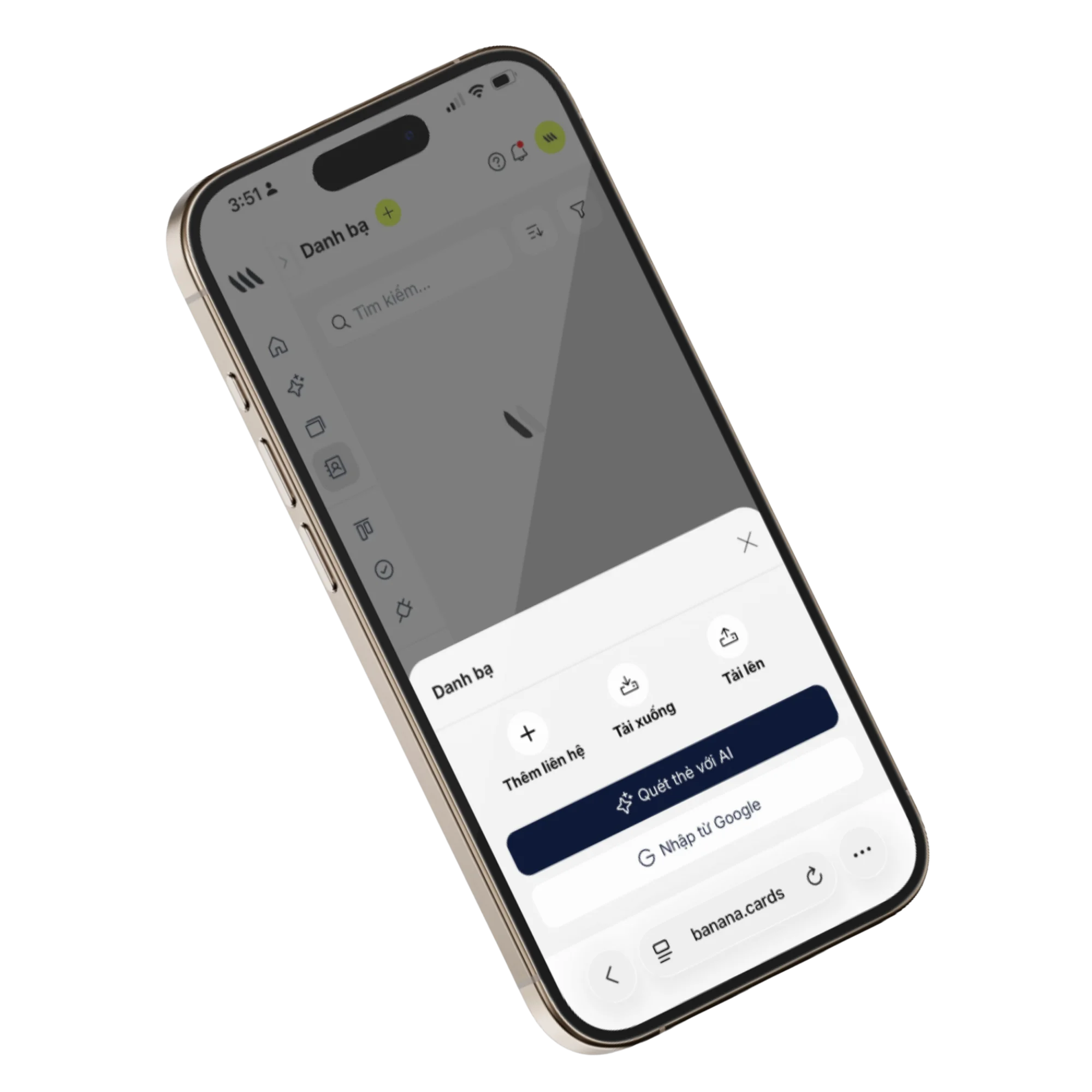
Capture
One inbox, every lead source.
NFC taps, QR scans, form submits, paper-card scans and webhooks all land in one triaged inbox.
- Per-source filters and tags
- De-duplication on capture
- Assignment rules per team
- Auto-archive after follow-up
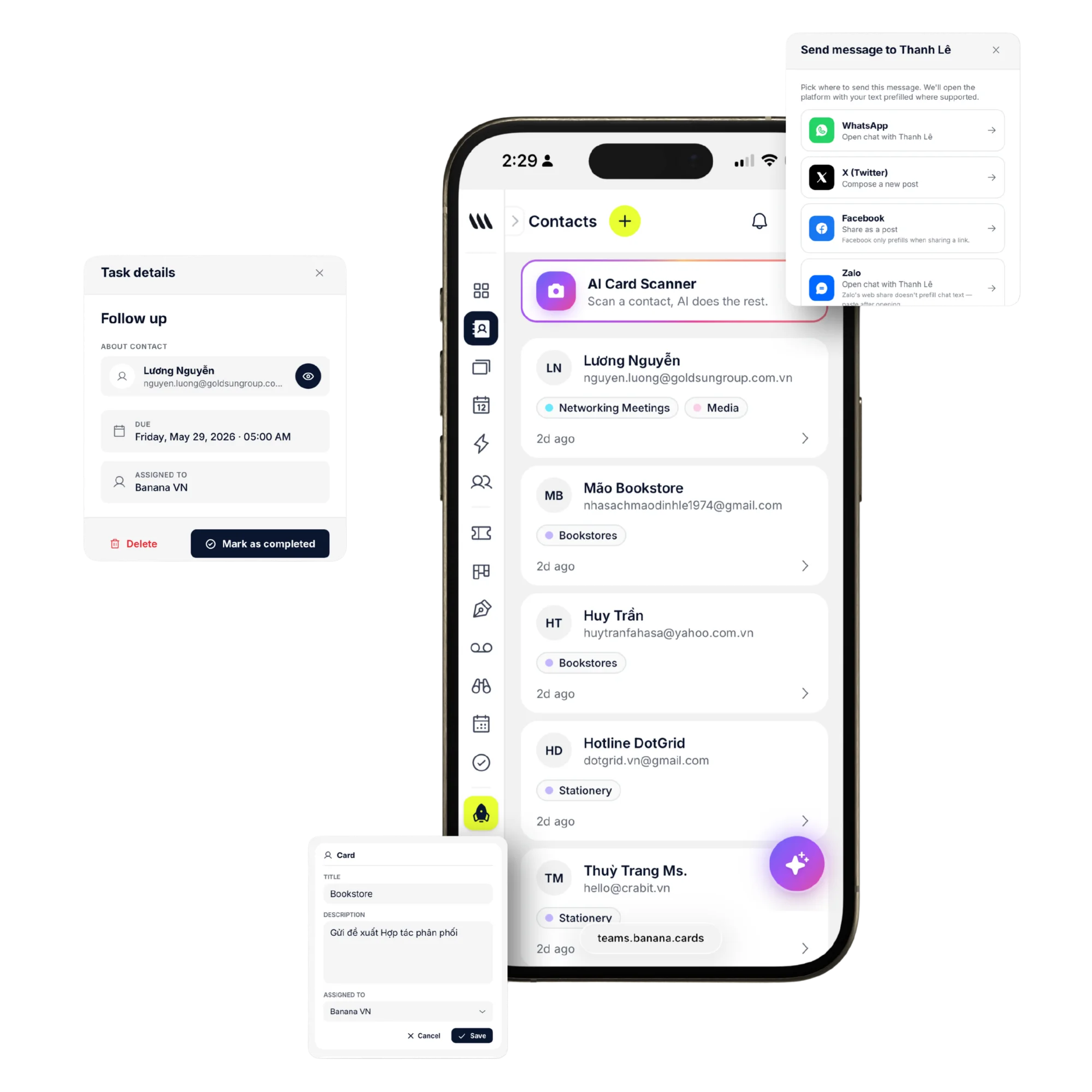
Segments
Filter, segment, activate.
Build smart segments (e.g., 'met at SaaStr, no follow-up in 14 days') and trigger automations or campaigns from them.
- Smart segments with live counts
- Saved views per team
- Bulk actions and exports
- Sync to external campaign tools
How it works
Live in minutes, not months.
- Step 1
Capture everywhere
Card taps, scans, forms, imports.
- Step 2
Banana de-dupes
One contact, all sources.
- Step 3
Tag and assign
Smart rules per workspace.
- Step 4
Follow up fast
Reminders, tasks and AI drafts.
Capabilities
Built to go the distance.
Every plan ships with the essentials. Upgrade only for team-scale, advanced security, and AI usage at volume.
Compare plans- Auto-capture from every source
- De-duplication & merging
- Custom fields and pipelines
- Saved smart segments
- Bulk import / export
- Per-team permissions
- CSV & API exports
- Webhooks on changes
FAQ
Questions, answered.
How do new contacts end up in my CRM?
Banana captures contacts from every direction without you typing anything: every NFC card tap and QR scan creates a contact, the Lead Exchange form on your card asks the other person for their details, the AI business card scanner turns a paper card photo into a clean contact, and you can import in bulk from CSV, Google Contacts, Outlook or any major CRM.
Can I scan paper business cards into contacts?
Yes. Snap a photo of a paper card in the Banana app and the AI scanner extracts name, company, title, email, phone, website and address into a structured contact — then deduplicates against your existing list. Great for trade shows and conferences.
Can I tag, segment and filter my contacts?
Yes. Create unlimited colored tags (e.g. 'Hot lead', 'Customer', 'Vendor', 'Partner'), assign multiple tags per contact, and filter the list by any combination of tags + free-text search. Use sorts (recent, oldest, A→Z, Z→A) and tag filters to build saved segments for outreach or automations.
Does my team share one contact pool, or is everyone separate?
Workspaces share a single contact book — every teammate sees the same contacts and timeline, with role-based permissions controlling who can edit or delete. Personal notes can be kept private to an individual.
Will it import from HubSpot, Salesforce or my existing CRM?
Yes — one-click CSV import works with the export format of every major CRM (HubSpot, Salesforce, Pipedrive, Zoho, Monday, Close, Folk). Field mapping is automatic for standard fields and editable for custom ones, with duplicate detection on email and phone.
Is there an API to push contacts in from my own systems?
Yes — a full REST API plus webhooks fire on contact created/updated, and Banana has a native Zapier integration with 6,000+ apps if you'd rather wire it visually.
Never lose a lead again.
One inbox for every connection — enriched, tagged and ready to act on.