
If this, then everything.
Trigger workflows when a card is tapped, a form is submitted or a deal moves stage. Chain actions across Banana and 50+ external tools.
- 100+
- triggers
- 50+
- integrations
- 0
- code required
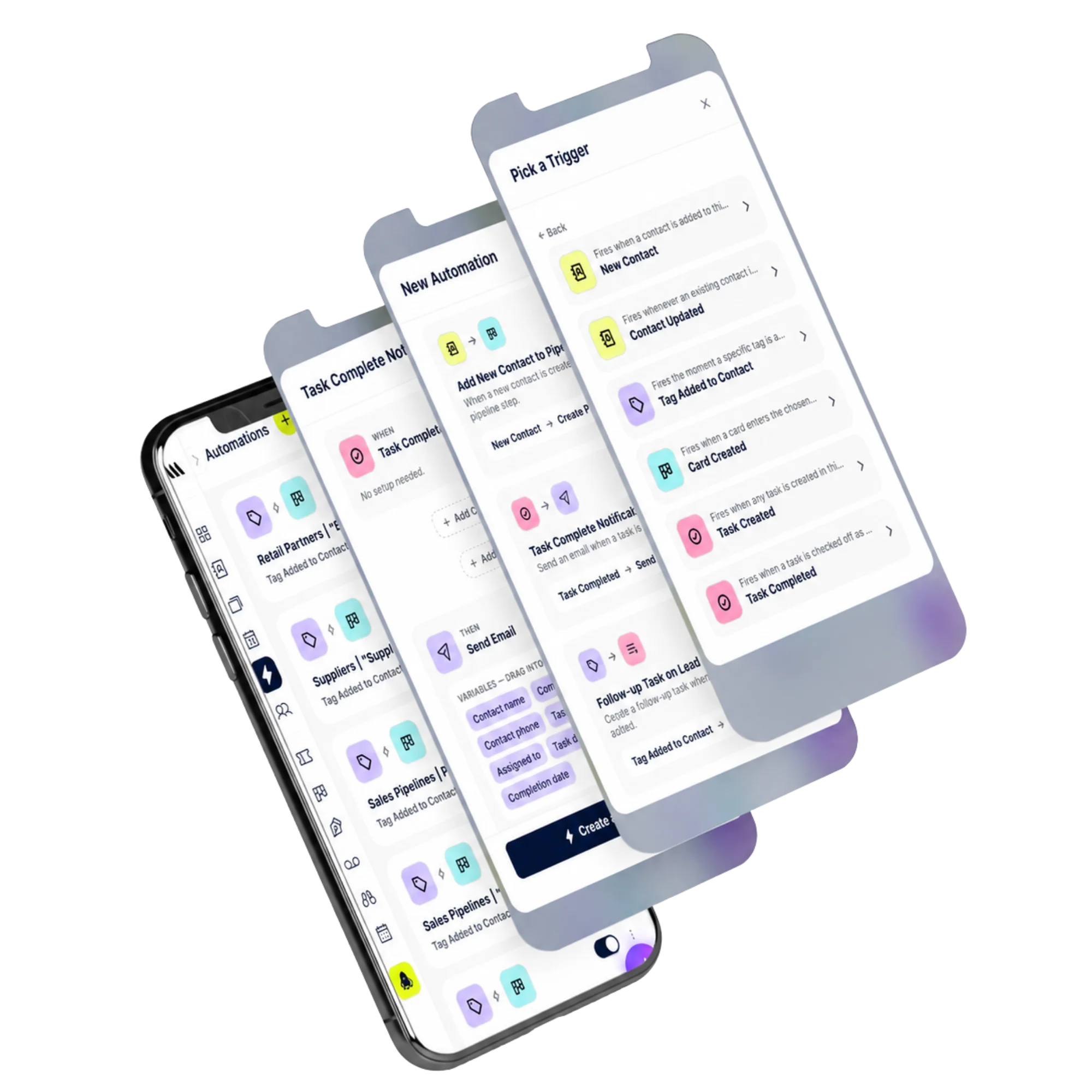
Built-in triggers
From every Banana event — taps, forms, deal stages, contract status.
Powerful actions
Tag, assign, email, notify, charge, sync — all from one canvas.
External tools
Connect Slack, Notion, Sheets, Zapier, n8n and 50+ more.
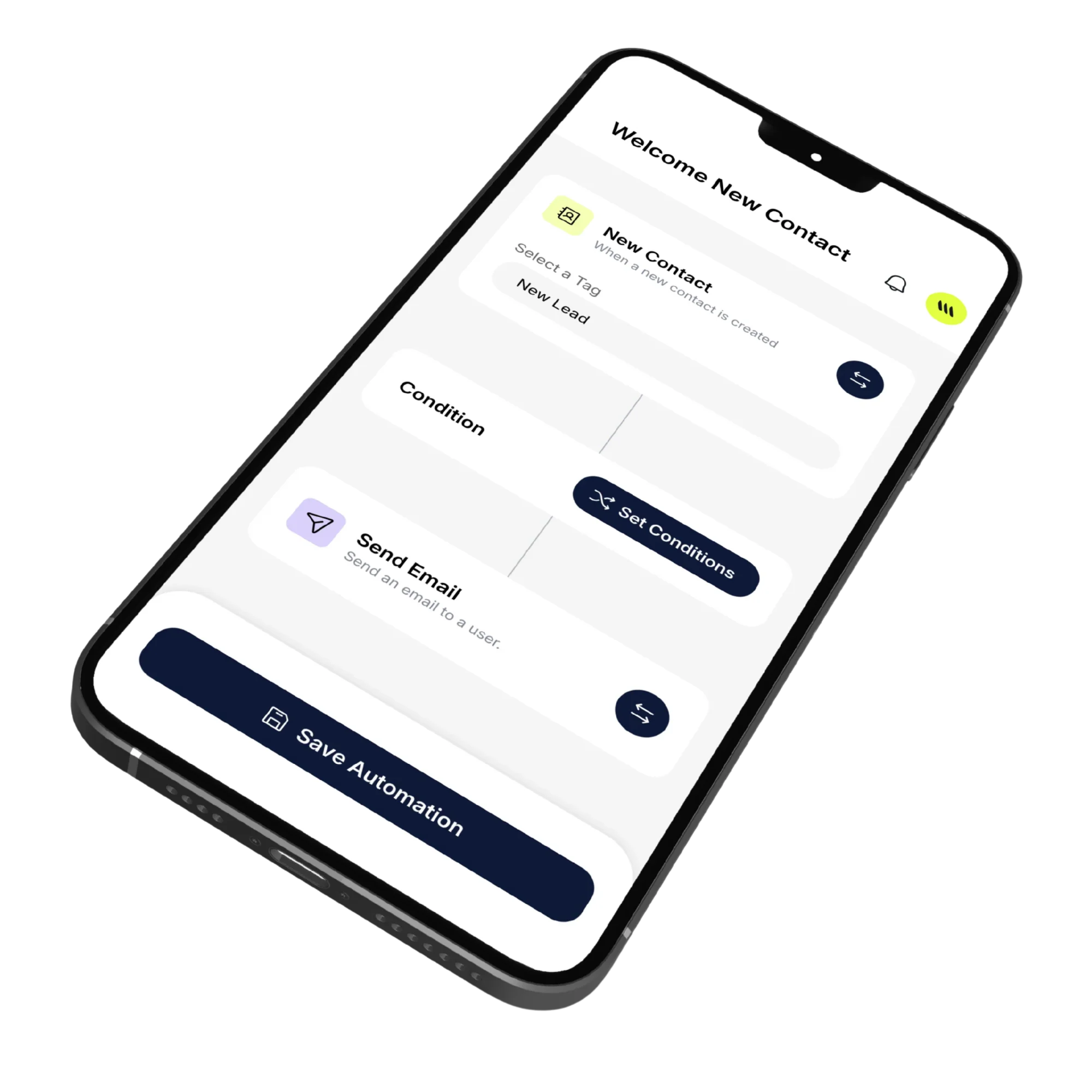
Canvas
A visual builder with conditions.
Drag triggers and actions onto a canvas, add branches and waits — preview every run before you ship.
- Branching with conditions
- Wait steps and delays
- Test mode with sample data
- Versioning and rollback
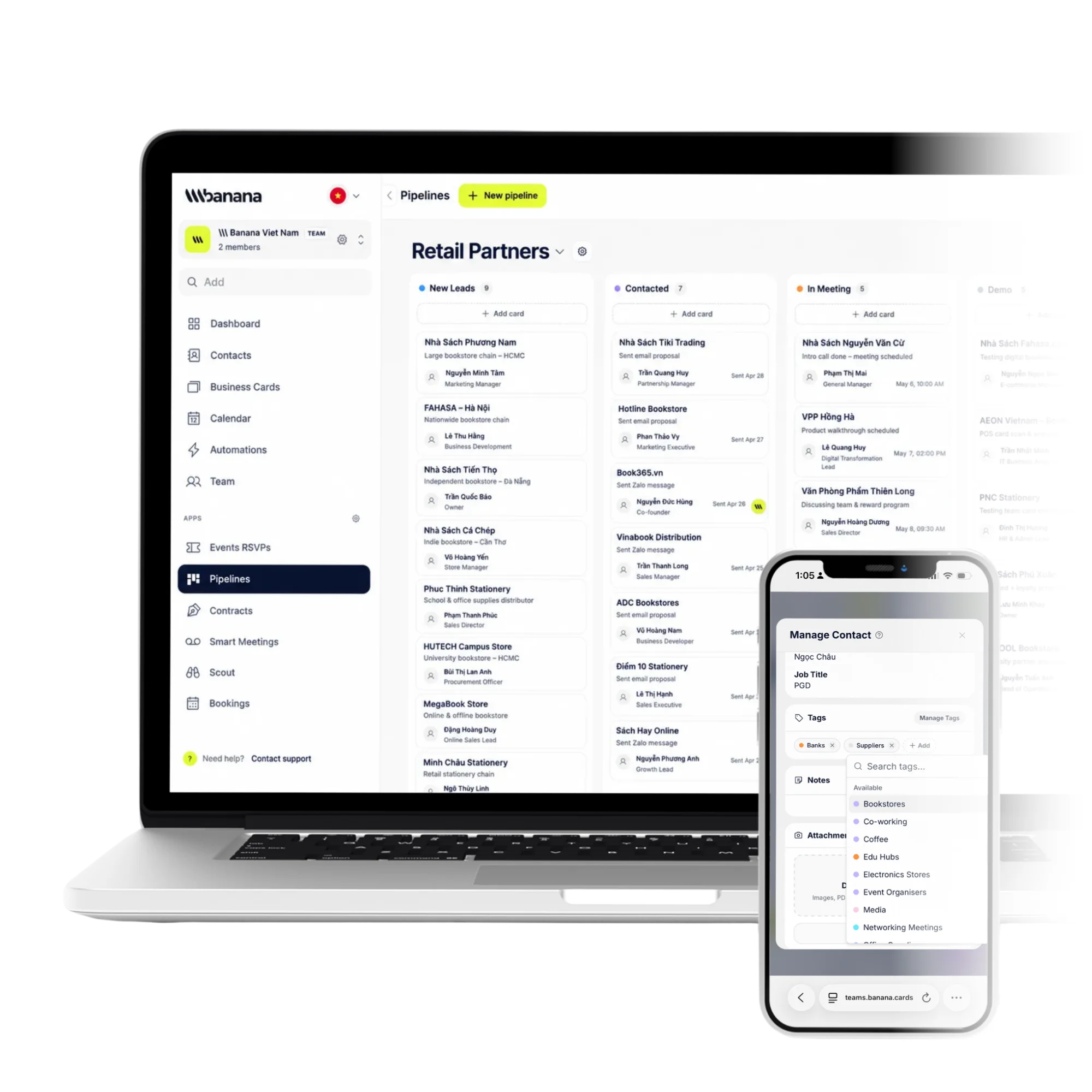
Reliability
Built to never drop a job.
Every workflow run is logged with retries, dead-letter handling and per-step observability.
- At-least-once delivery
- Retry with backoff
- Run history with payloads
- Per-step error alerts
How it works
Live in minutes, not months.
- Step 1
Pick a trigger
From any Banana event.
- Step 2
Add actions
Internal or external tools.
- Step 3
Add conditions
Branch the path.
- Step 4
Ship & monitor
Logs and alerts included.
Capabilities
Built to go the distance.
Every plan ships with the essentials. Upgrade only for team-scale, advanced security, and AI usage at volume.
Compare plans- 100+ triggers and actions
- Conditional branching
- Wait & delay steps
- Run logs with payloads
- Versioning and rollback
- Per-step error alerts
- Native + Zapier integrations
- Webhooks in and out
FAQ
Questions, answered.
What can I actually automate inside Banana?
Anything that connects two parts of your workspace: 'when a new contact is created with tag Lead, send a welcome email and create a follow-up task in 2 days', 'when a deal moves to Won, generate the onboarding contract and a kickoff meeting invite', 'when a booking is paid, add the customer to my newsletter and send a thank-you SMS', 'when a meeting ends with action items, create one task per item assigned to the right person'.
Do I need to know how to code?
No — automations are built visually by picking a trigger and one or more actions from drop-downs. Power users can drop into a JSON action for advanced payload shaping, but it's optional. Most automations take under a minute to set up.
Which triggers and actions are available out of the box?
Triggers include: contact created/updated/tagged, card tapped/scanned, lead exchange submitted, booking created/cancelled/paid, deal moved/won/lost, contract sent/signed, meeting recorded, task completed, event RSVP received. Actions include: send email/SMS, create task/contact/contract/booking, move/create deal, send to Zapier or any webhook, post to Slack, add to a tag/segment, set custom field.
Can I test an automation before turning it live?
Yes — each automation has a dry-run mode that simulates the trigger and shows you exactly which actions would have fired with which payload. Toggle on when you're confident.
What happens when a step fails?
Banana retries with exponential backoff (3 attempts), then surfaces the failure in the automation history with the full input/output payload so you can debug. You'll get an email if an automation has been failing repeatedly.
Can I see what an automation has actually done?
Yes — every run is logged with the trigger payload, the actions taken and the outcome. Filter by status, time window or contact to audit exactly what fired and when.
Automate the boring. Keep the relationship.
Workflows that move deals forward while you focus on people.