
Let clients book right from your card.
Embed your availability directly on your card. Customers pick a slot, it syncs to your calendar, and a contact is created — automatically.
- 3x
- more meetings
- 2-way
- calendar sync
- 0
- double bookings
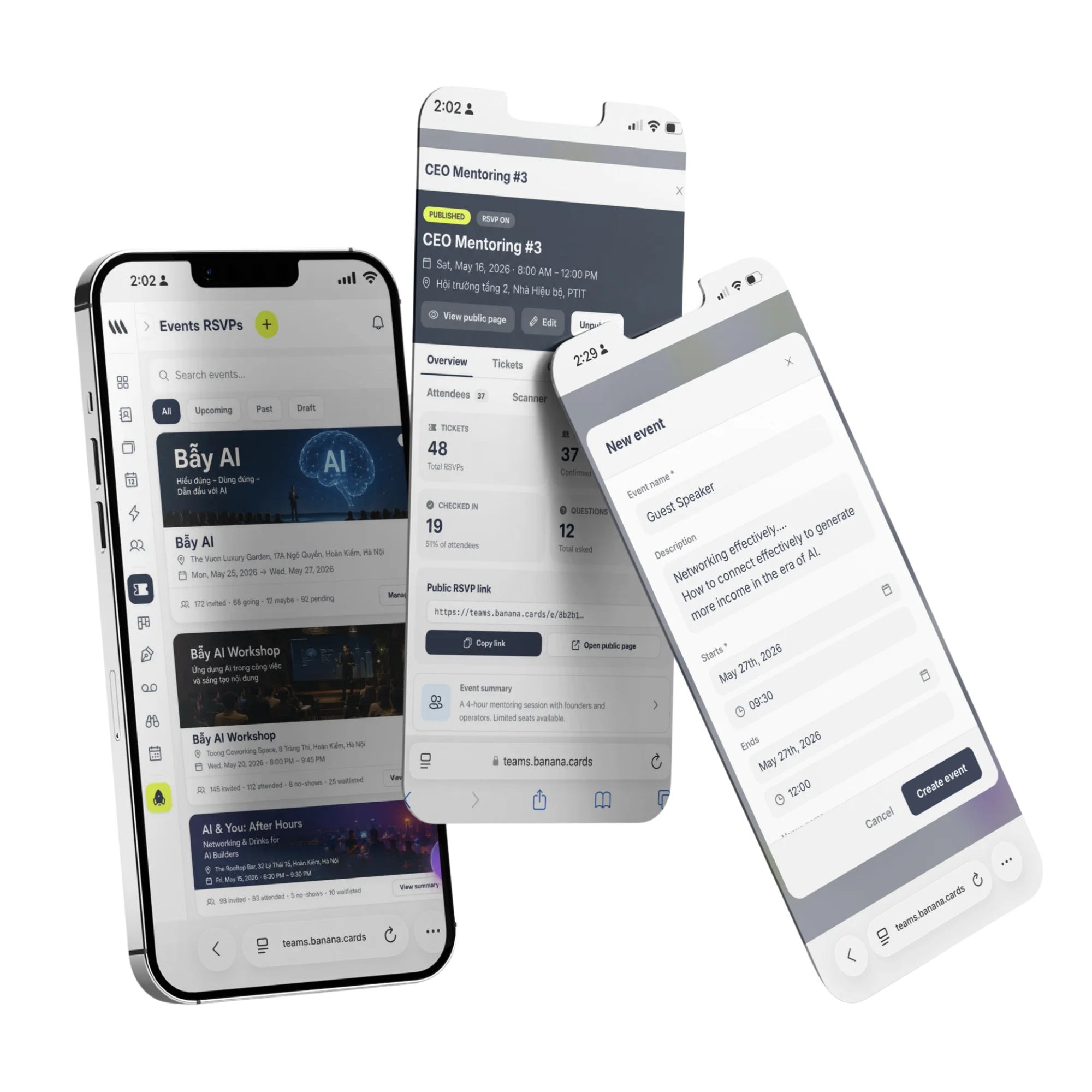
Book from anywhere
Direct from your card, link, QR, signature or Wallet pass.
Smart availability
Buffers, working hours, timezones and lead-time — handled.
Auto video links
Zoom, Google Meet or Microsoft Teams created automatically.
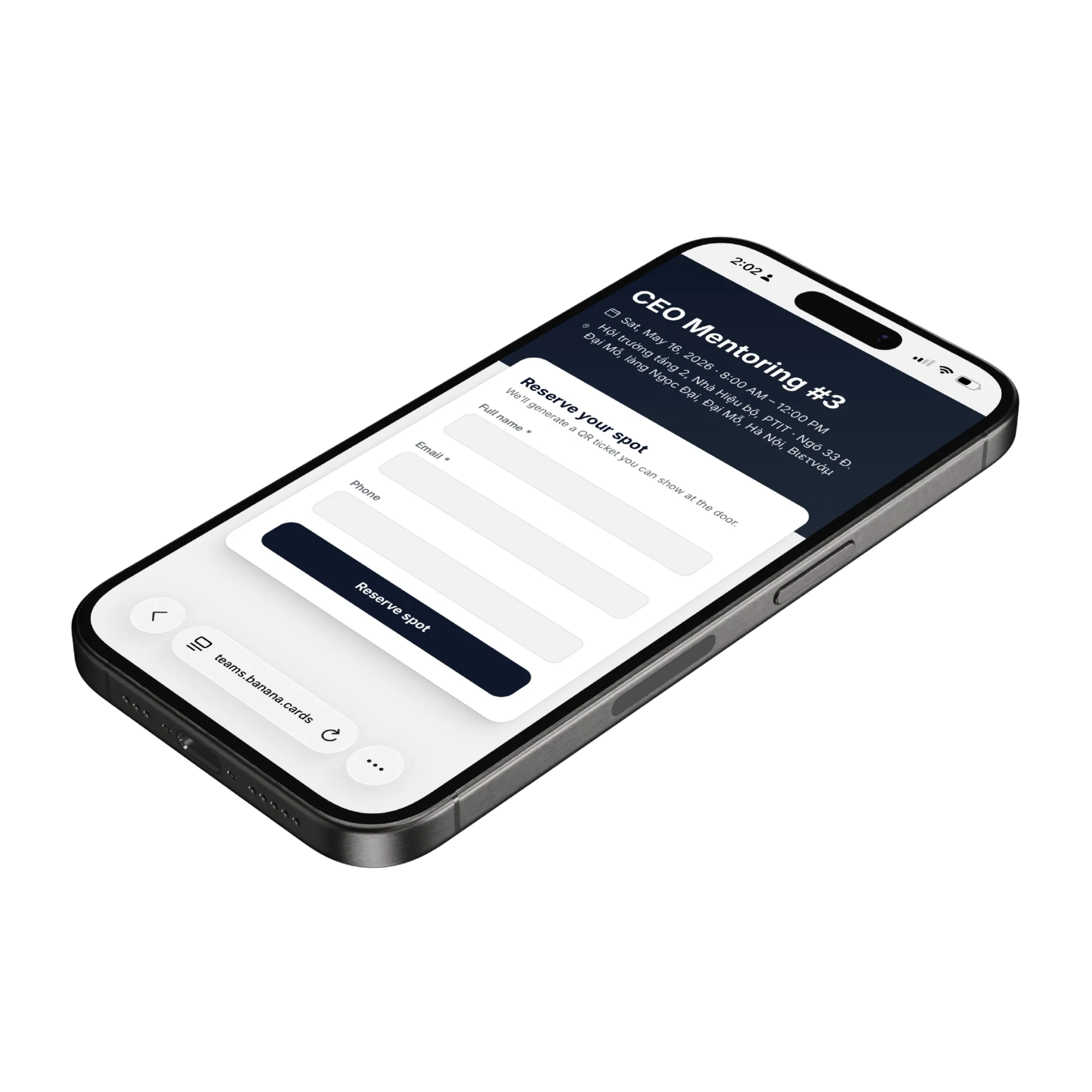
Calendars
One source of truth. Always.
Two-way sync with Google, Outlook and Apple Calendar — see your real availability and never double-book.
- Google, Outlook & Apple Calendar
- Per-event types and durations
- Round-robin for teams
- Custom buffers and lead time
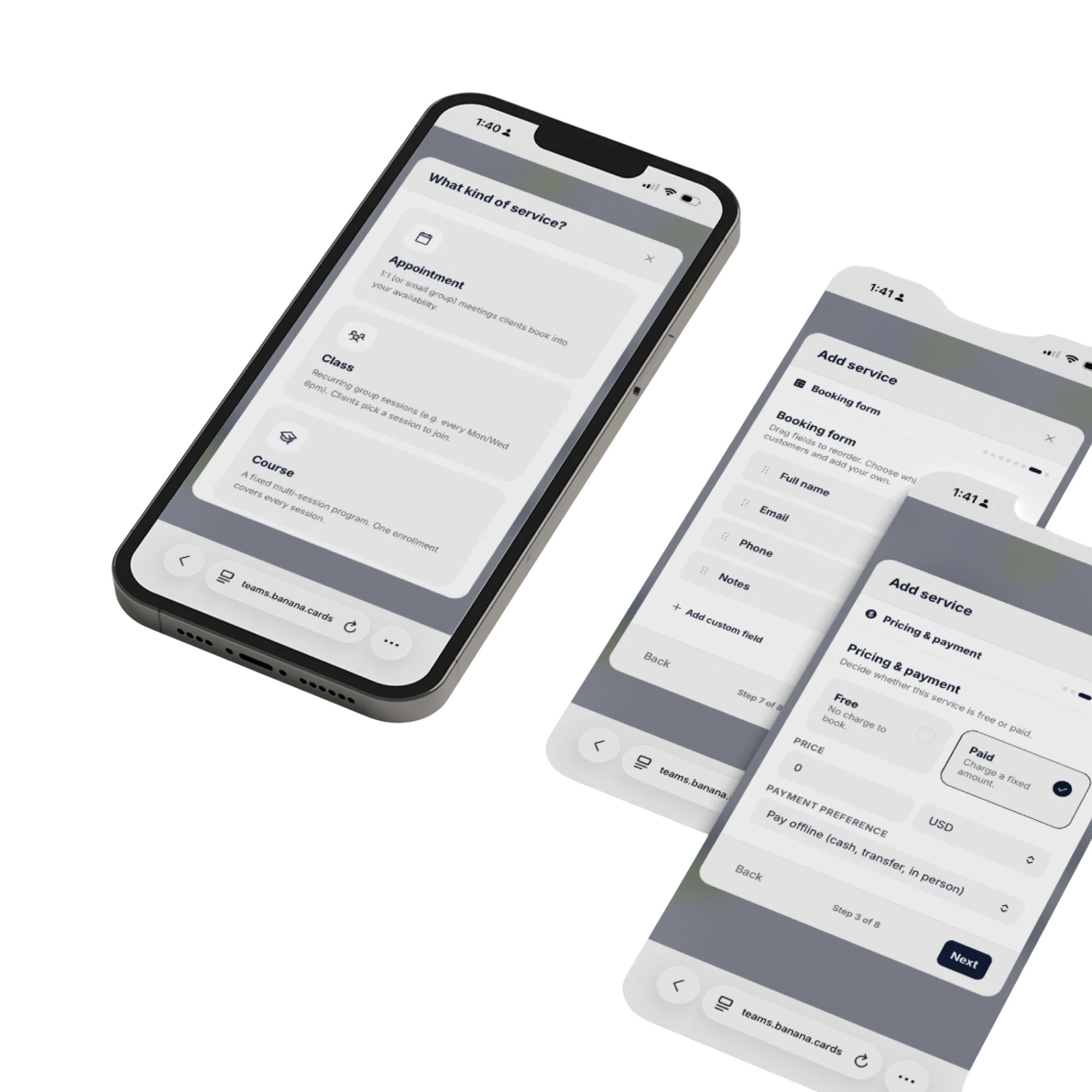
Payments
Take a deposit at booking.
Charge a deposit or full payment when a slot is booked — perfect for consults, services and high-intent calls.
- Stripe & Paddle integrations
- Deposit or full payment
- Per-event type pricing
- Refund and reschedule rules
How it works
Live in minutes, not months.
- Step 1
Set availability
Working hours, buffers and timezones.
- Step 2
Add to your card
One-click booking button anywhere.
- Step 3
Client books a slot
Calendar syncs in real-time.
- Step 4
Meet & follow up
AI summarizes after the call.
Capabilities
Built to go the distance.
Every plan ships with the essentials. Upgrade only for team-scale, advanced security, and AI usage at volume.
Compare plans- Multi-calendar sync
- Round-robin & collective scheduling
- Group events and waitlists
- Take payment at booking
- Custom forms per event type
- SMS & email reminders
- Embed widget for any site
- Zapier and webhook actions
FAQ
Questions, answered.
What kind of services can I let people book?
Three service types cover almost any business: Appointments (1:1 or small-group meetings clients book into your availability — consults, demos, treatments, viewings), Classes (recurring group sessions like yoga, fitness, language or music lessons where clients pick a session to join), and Courses (a fixed multi-session program where one enrollment covers every session — bootcamps, cohorts, training tracks). Each service has its own duration, capacity, location, form fields and pricing.
Which calendars does Banana sync with?
Two-way sync with Google Calendar, Microsoft Outlook / Office 365 and Apple iCloud. Banana reads your existing busy time across every connected calendar before offering a slot, and writes confirmed bookings back so you never double-book — across personal and work calendars at the same time.
Can I take payment when someone books?
Yes. Connect Stripe to charge a deposit, the full amount or a package price at booking. For classes and courses you can publish multiple pricing tiers — Free, Pay-per-session and Multi-session Packages — and Banana enforces the right number of sessions per purchase automatically.
Can I run video calls, in-person and phone meetings?
Yes — pick the location type per service. Video meetings auto-generate Zoom, Google Meet or Microsoft Teams links. In-person can use a fixed venue address or ask the customer to enter their own (great for mobile services). Phone-call services collect the customer's number on the booking form.
How does it work for teams and round-robin?
Assign a service to one teammate, a specific group, or round-robin across the whole team. Banana checks each assignee's connected calendar and availability rules and offers the union of free slots, then routes the booking — and the calendar invite — to whoever ends up assigned.
What reminders and confirmations get sent?
Automated confirmation emails on booking, customizable email and SMS reminders before the meeting, a reschedule/cancel link for the customer, and a calendar invite with the video link. Every booking also creates (or updates) a contact in your CRM so the next interaction picks up where the last one ended.
Calendar full. Inbox empty.
Bookings that fit your day — and your bank account.