
A toolbox of AI, built into your work.
Write, summarize, translate, score and suggest next actions. Banana's AI tools live exactly where you work — your inbox, your CRM, your phone.
- 12+
- AI tools
- 50+
- languages
- 1-click
- actions
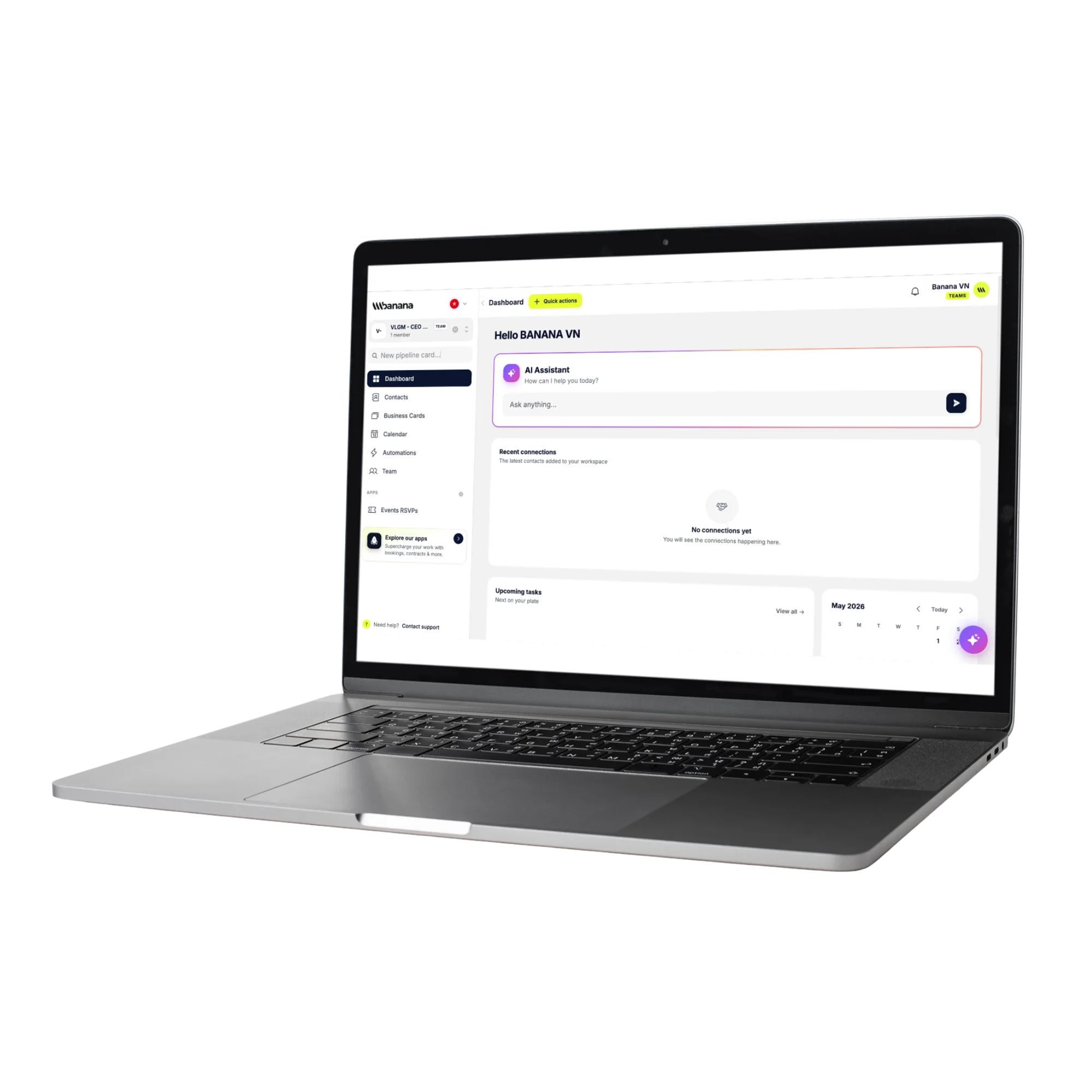
AI writer
Draft emails, proposals, follow-ups and notes — in your tone.
AI translator
Speak to clients in their language — no copy-pasting into other tools.
Next-best action
AI suggests who to contact next, and what to say, based on real context.
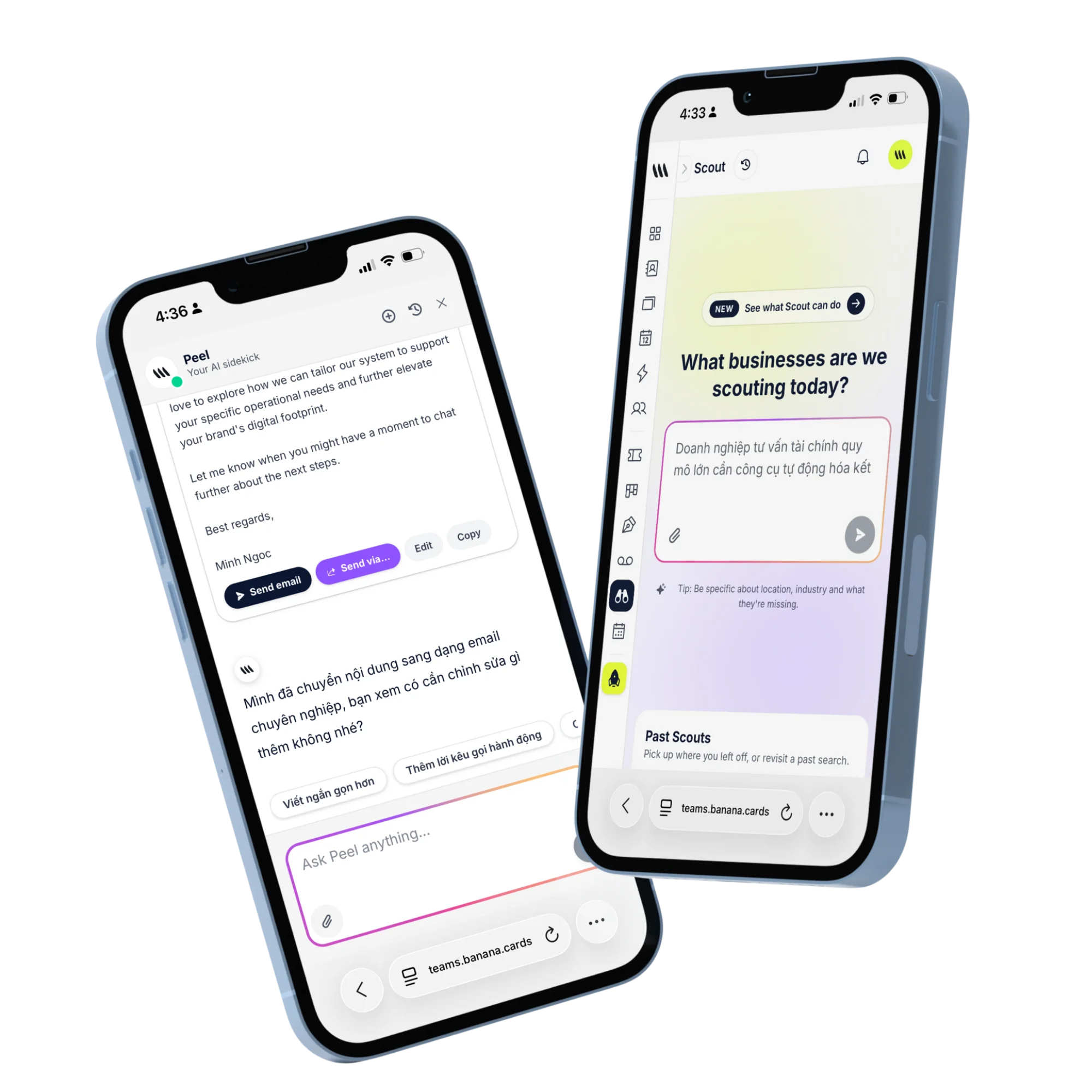
In context
Right there in the contact view.
Every AI tool is one tap from the contact, the deal or the inbox — no switching apps, no copy-paste.
- Summarize emails and meetings
- Draft replies with context
- Score deals automatically
- Generate proposals from contacts
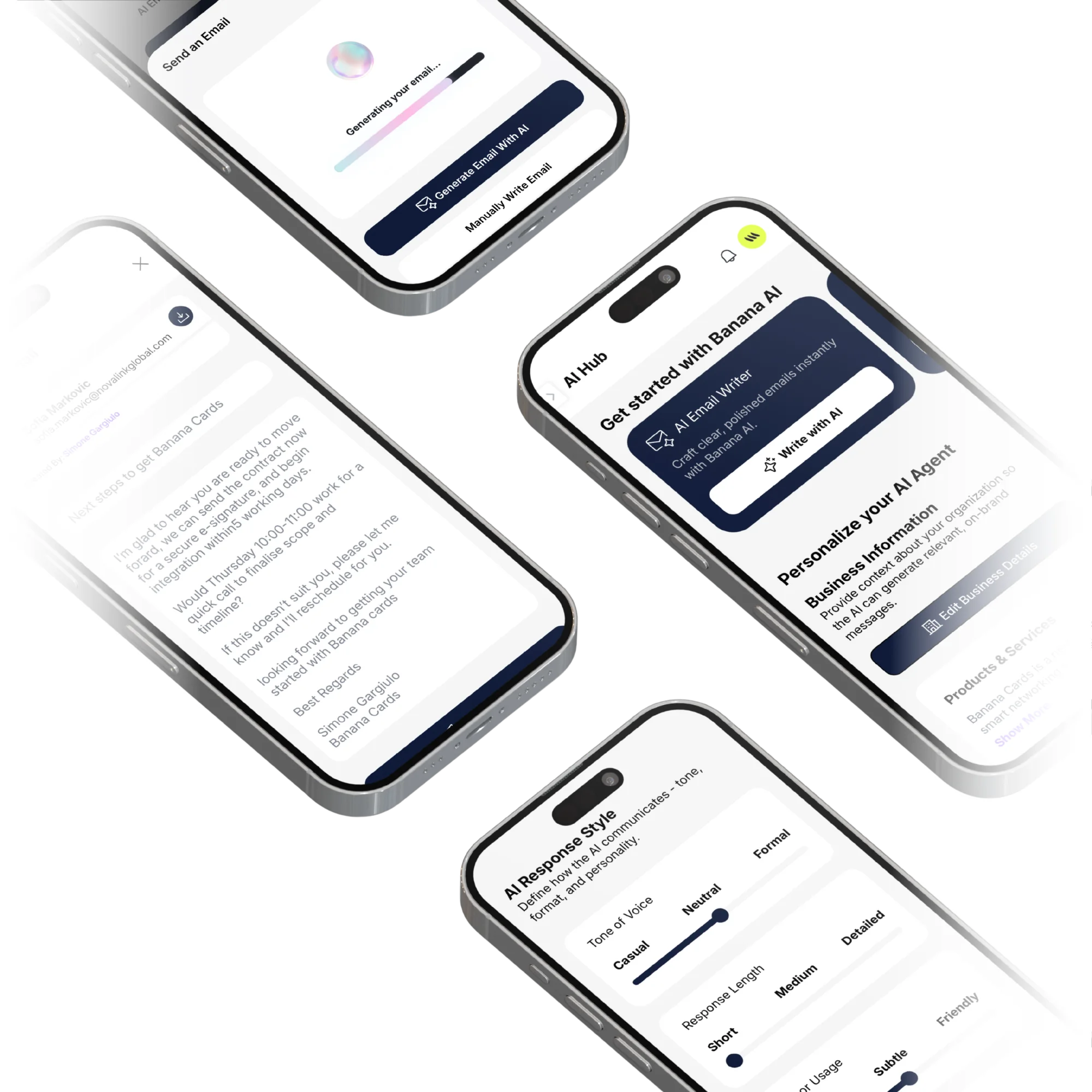
Configurable
Choose your model, control the cost.
Pick the model behind each AI tool from a central config — Banana tracks usage and never hard-codes a vendor.
- Central model registry
- Per-feature model selection
- Usage logging & cost limits
- BYO API key for enterprise
How it works
Live in minutes, not months.
- Step 1
Pick a tool
Writer, translator, summarizer, scorer.
- Step 2
One-tap from context
Banana pulls the data automatically.
- Step 3
Review & edit
You stay in control of every output.
- Step 4
Track usage
See cost and impact per tool.
Capabilities
Built to go the distance.
Every plan ships with the essentials. Upgrade only for team-scale, advanced security, and AI usage at volume.
Compare plans- AI email writer & rewriter
- AI meeting summarizer
- AI translator (50+ languages)
- AI lead scorer
- AI deal next-step suggester
- AI voice-note transcriber
- AI proposal generator
- Central model configuration
FAQ
Questions, answered.
Which AI tools are included in Banana?
Business Card Scanner (photo → contact), Meeting Notetaker (transcript + summary + action items), Email Drafter (in-your-voice replies and follow-ups), Contact Enrichment (title, company, socials), Scout (natural-language prospecting on Google Places), Contract Drafter (templates and clause suggestions), Smart Tagging and Segmentation, Auto-translate for cards and messages, and Next-Best-Action suggestions on contacts and deals.
Can I bring my own API key (BYOK)?
Yes — on Enterprise plans you can plug your own OpenAI, Anthropic or Google AI key into any tool. Usage is billed directly to your provider and Banana acts as the routing layer, so you keep full cost control and data residency.
Can I see what each AI tool is costing me?
Yes — every AI invocation is logged in the AI Usage dashboard with the tool name, the model used, token counts (input/output), latency and the cost per call. Filter by user, by team or by feature to spot heavy consumers.
Can admins cap AI usage to control spend?
Yes — set monthly token or cost caps per user, per team or per feature. When a cap is hit, that user (or that feature) is paused with a clear message, while the rest of the workspace keeps running.
Are AI tools optional?
Yes — every AI feature can be toggled per workspace and per teammate. Privacy-sensitive teams can turn off external AI tools entirely and keep using Banana as a pure CRM.
Do the AI tools work in my language?
Yes — drafting, transcription, summarization and enrichment work in 50+ languages, with quality close to native English in the major European, East-Asian and Southeast-Asian languages.
AI that gets out of your way.
Tools that show up exactly where you need them — and never elsewhere.