
Host events that grow your network.
Spin up a beautiful event page in minutes. Take RSVPs, send reminders, check guests in with a QR scan — and walk away with every attendee in your CRM.
- Unlimited
- events
- QR
- check-in
- Auto
- to CRM
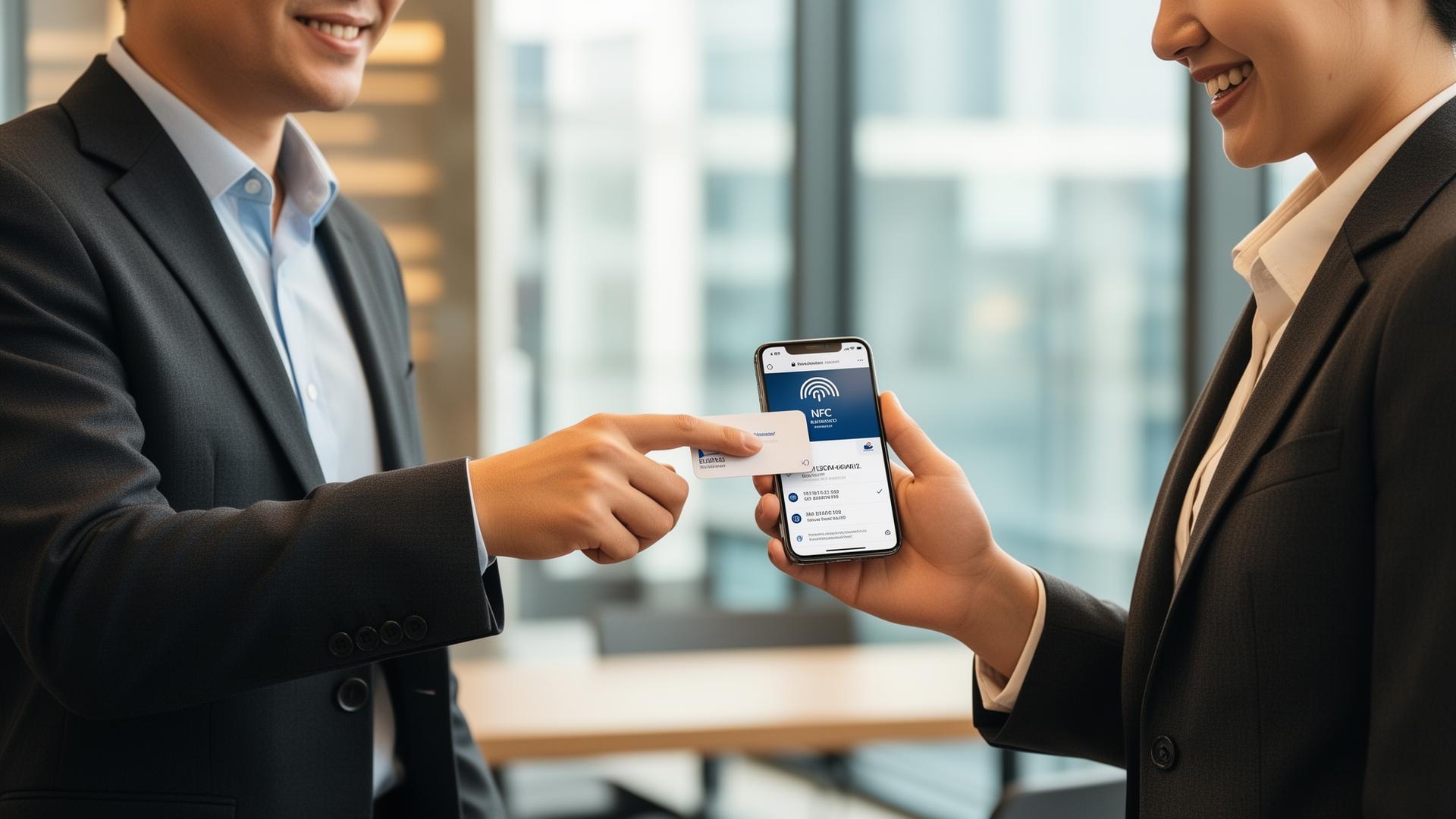
Beautiful event pages
Hosted RSVP page with your branding, agenda, location and speaker bios.
RSVP management
Approve, waitlist or decline. Send reminders and last-minute updates in one click.
QR check-in
Scan guests in at the door from any phone — every attendance flows back into your CRM.
Pages
Event pages that actually convert.
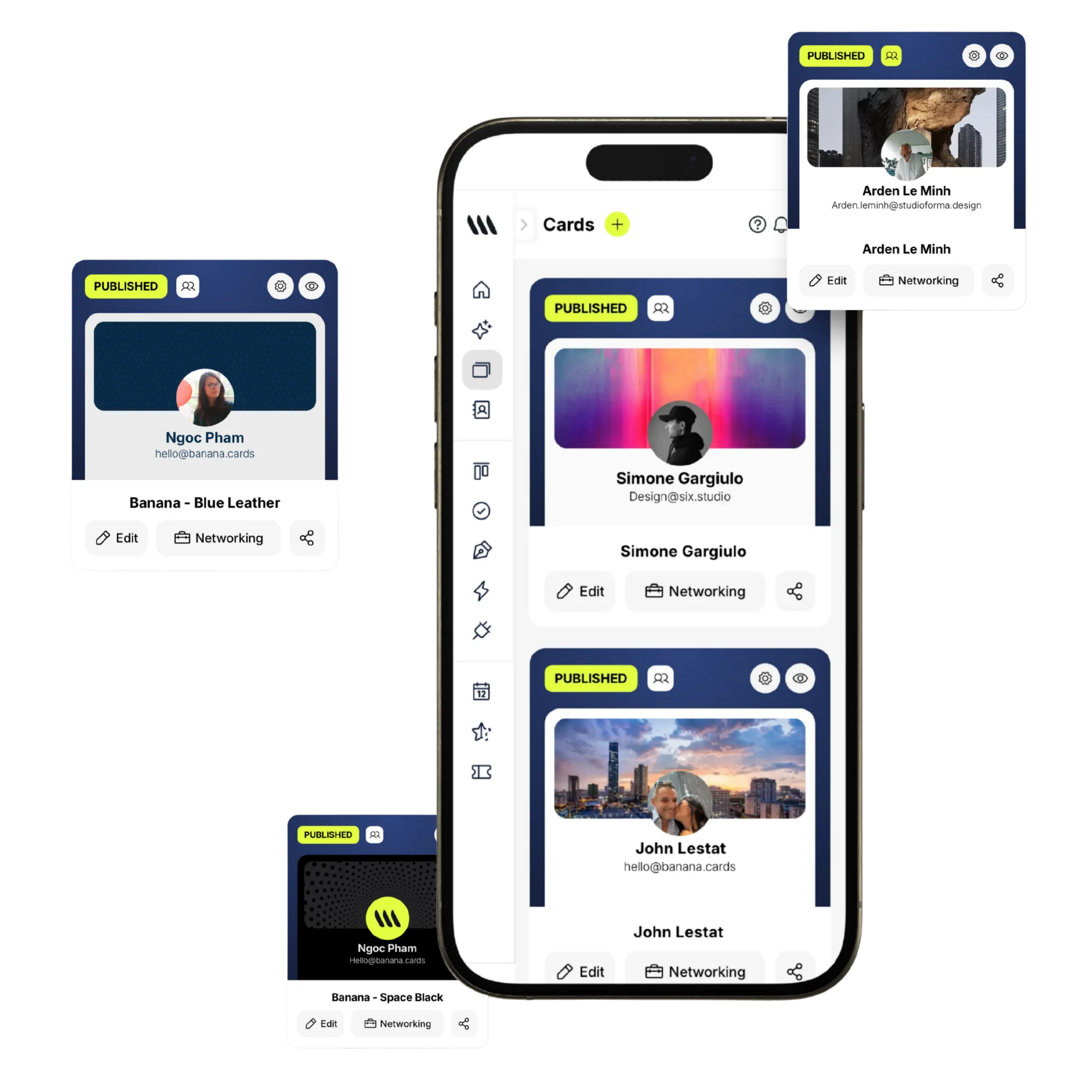
Mobile-first event pages with custom branding, schedule, speakers and a built-in RSVP form — no third-party tools, no copy-paste.
- Custom domain & branding
- Speakers & agenda blocks
- Capacity limits & waitlist
- Multi-language support
After the event
Every attendee, a new contact.
Once the event ends, every RSVP and check-in lands in your Banana CRM tagged with the event — ready for follow-up automations.
- Auto-create contacts
- Tag by event
- Post-event automation triggers
- CSV & API export
How it works
Live in minutes, not months.
- Step 1
Create the event
Title, date, location, RSVP form.
- Step 2
Share the page
Direct link, QR or Banana card.
- Step 3
Manage RSVPs
Approve, waitlist, send reminders.
- Step 4
Check in & follow up
QR scan, auto-tag, automate.
Capabilities
Built to go the distance.
Every plan ships with the essentials. Upgrade only for team-scale, advanced security, and AI usage at volume.
Compare plans- Unlimited events
- Custom-branded event pages
- RSVP forms & waitlists
- Reminder emails
- QR check-in
- Capacity limits
- Auto-tag in CRM
- Post-event automations
FAQ
Questions, answered.
What kinds of events can I run with Banana?
Anything that needs a page, RSVPs and a guest list: networking meetups, product launches, intimate dinners, workshops, classes, webinars, conferences, open houses, fundraisers, parties. Each event has its own branded landing page with cover image, brand color, schedule, venue map, RSVP form and (optionally) ticketing.
Can I limit capacity and run a waitlist?
Yes — set a hard capacity and Banana automatically moves overflow RSVPs onto a waitlist. When confirmed guests cancel, the next person on the waitlist is promoted (and notified) automatically.
Can I charge for tickets?
Yes — connect Stripe and sell paid tickets in any currency, with multiple tiers (Early bird, General, VIP) and discount codes. Banana handles the checkout, refunds and a guest-facing ticket page with a check-in QR code.
How does check-in at the door work?
On event day, open the Banana app on any phone, scan the guest's RSVP QR code, and they're marked attended instantly — with a green check on your live guest list. You can also search and check guests in manually when phones run out of battery.
Where do attendees end up after the event?
Every RSVP is created as a contact in your CRM (or matched if they already exist), tagged with the event name and source. That means you can email or message everyone who attended a specific event in one click — perfect for follow-ups and post-event surveys.
Can I send reminders and updates to RSVPs?
Yes — automatic confirmation emails on RSVP, reminder emails 24h and 1h before the event, and you can broadcast a custom update (e.g. 'Venue changed') to all confirmed guests at any time.
Run the event. Keep the contacts.
Every RSVP and check-in becomes a long-term relationship.