
Every email, a brand moment.
Generate a polished, branded email signature from your Banana card — drop it straight into Gmail, Outlook or Apple Mail. Updates to your card flow into your signature too.
- Gmail
- Outlook · Mail
- 1-click
- install
- Auto
- updates
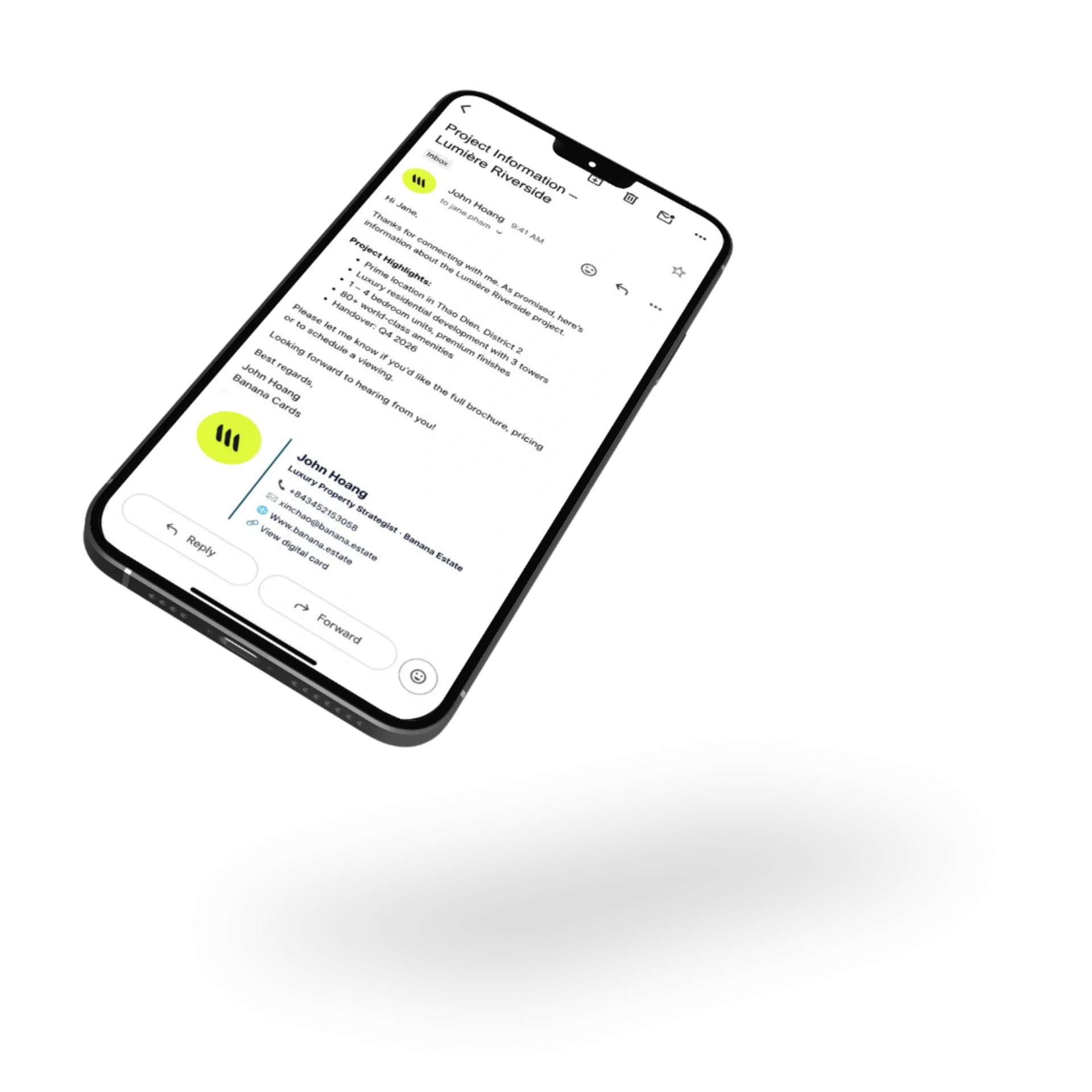
Pulls from your card
Name, title, photo, links and contact — all sourced from your Banana profile.
Beautifully designed
Curated templates that render perfectly across every email client — no broken layouts.
Drop in & done
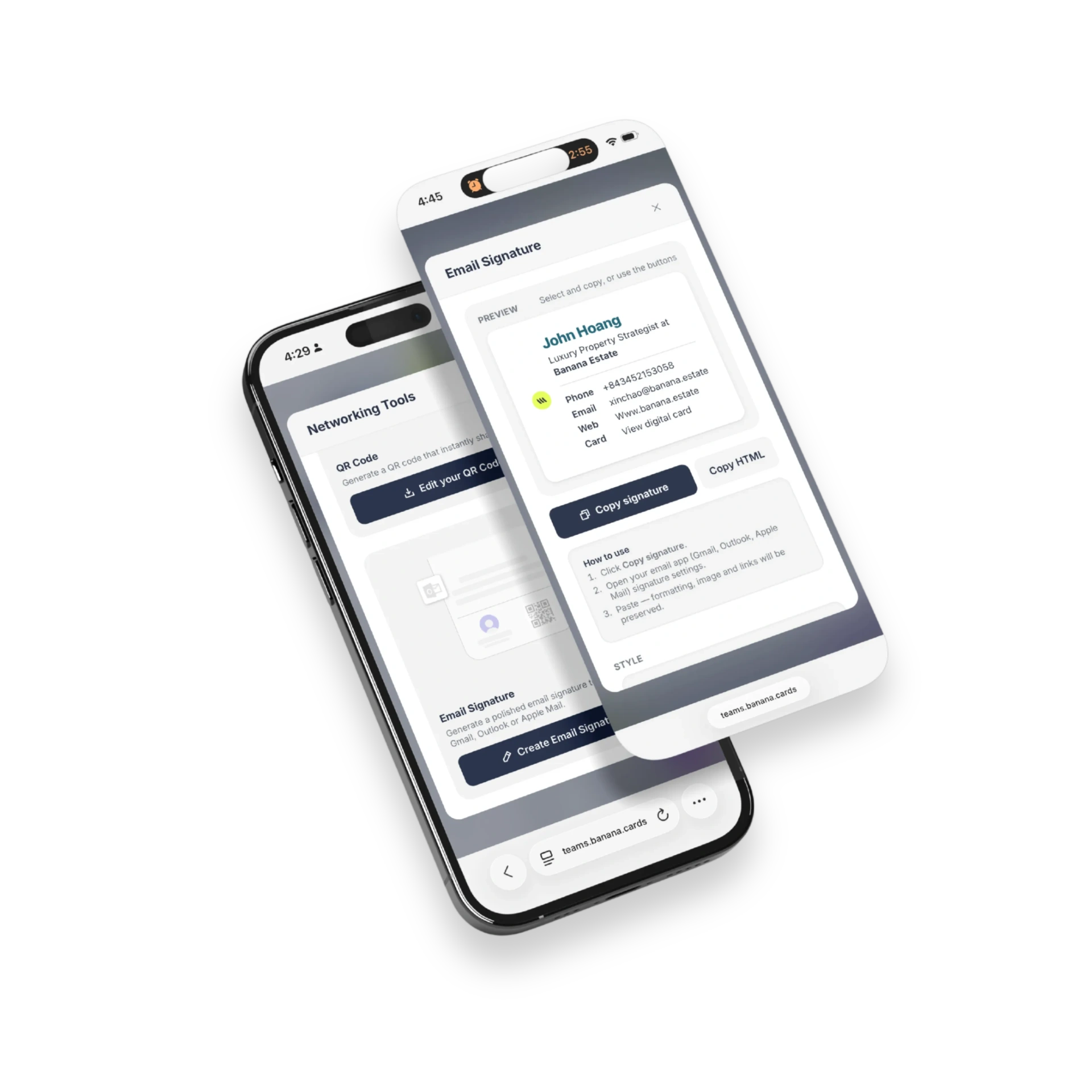
Copy-paste into Gmail, Outlook or Apple Mail — full instructions included.
Design
Looks great everywhere.
Banana renders signatures with email-client-safe HTML so they look the same in Gmail, Outlook desktop, Outlook web and Apple Mail — no missing images, no busted CSS.
- Cross-client tested
- Retina photo support
- Brand colors & fonts
- Light & dark mode
Live
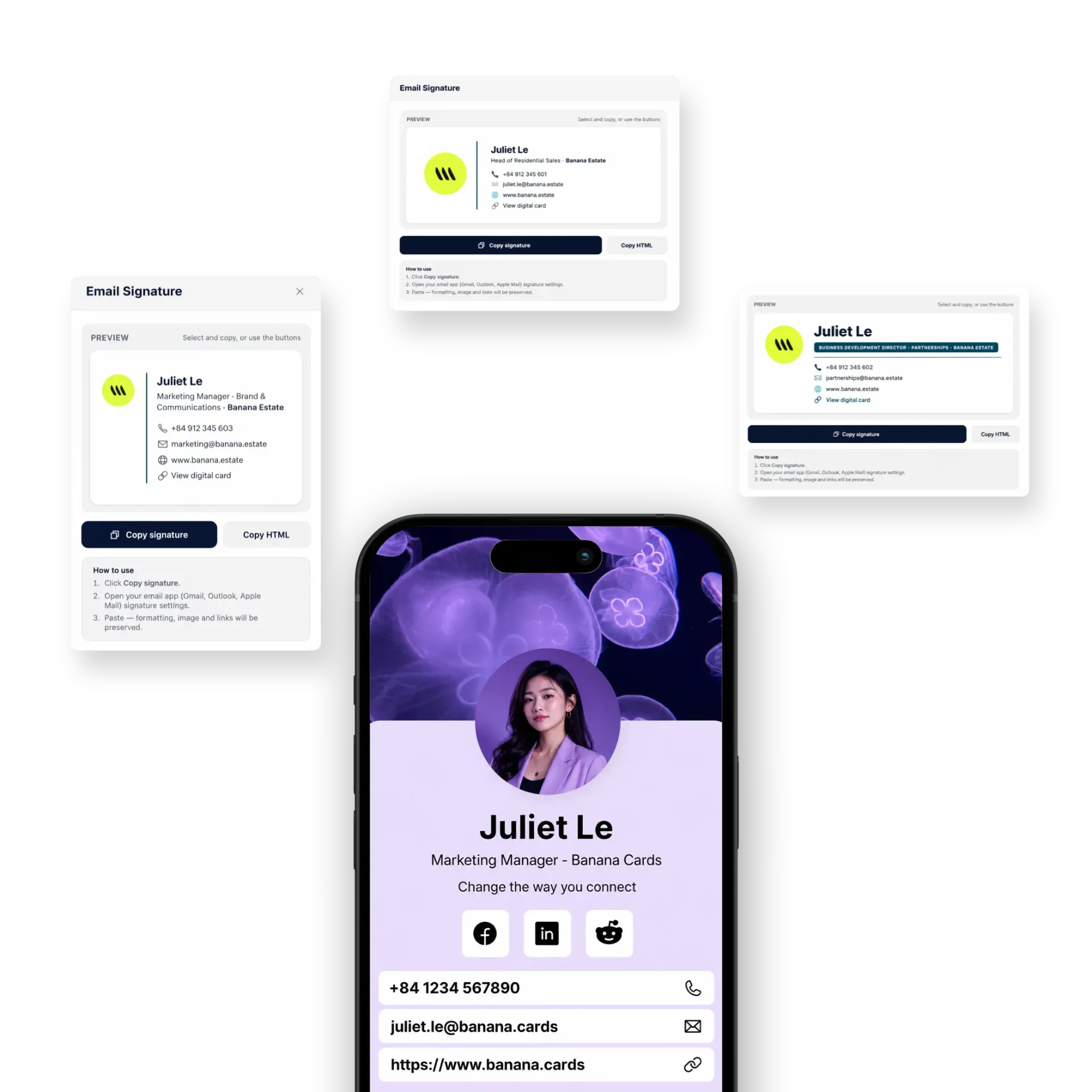
Update your card, update your signature.
Change your title, add a new link or swap your photo — your signature reflects it on the next send, no re-paste required for hosted variants.
- Hosted signature URL
- Auto-pulls latest profile
- Per-card signature
- Team-wide templates
How it works
Live in minutes, not months.
- Step 1
Pick a template
From the Banana signature library.
- Step 2
Edit content
Sourced from your card — tweak as needed.
- Step 3
Copy your signature
Or grab the install link for your client.
- Step 4
Paste in your email app
Gmail, Outlook, Apple Mail — done.
Capabilities
Built to go the distance.
Every plan ships with the essentials. Upgrade only for team-scale, advanced security, and AI usage at volume.
Compare plans- Gmail, Outlook, Apple Mail
- Cross-client tested HTML
- Hosted live signature URL
- Pull from Banana card
- Team-wide templates
- Multiple signatures per user
- Custom colors & fonts
- Tracked links (optional)
FAQ
Questions, answered.
What does my Banana email signature include?
Your name, title and company, a profile photo or company logo, contact methods (email, phone, website), social links, a one-tap 'Book a meeting' button that opens your Banana booking page, a vCard download, optional banner image (great for campaigns/events), and a discreet 'View my card' link to the full Banana profile.
Which email clients does it support?
Gmail (web, iOS, Android), Apple Mail (Mac, iPhone, iPad), Outlook (web, desktop, iOS, Android), Office 365, Yahoo Mail, ProtonMail, Spark, Superhuman, Front, HubSpot and most other major clients. Banana renders Outlook-safe table-based HTML so layouts hold up in stubborn legacy clients.
Can my whole team share one branded signature template?
Yes — admins build one workspace template with the logo, colors and disclaimer, then bulk-push it to every teammate. Each member's individual name, title, photo and contact details fill in automatically from their Banana profile, so branding stays consistent without anyone reformatting HTML.
Does the signature auto-update when I change my title or photo?
Hosted images and the booking link update live whenever you edit your Banana profile, so the signature on emails you've already sent reflects your latest title and photo. Static text fields (name, title, phone) update on the next time the signature is pasted into your mail client.
Can I track clicks on signature links?
Yes — wrap any link in Banana's optional tracking layer and clicks surface in your analytics dashboard, broken down by recipient domain, device and campaign UTM. Great for measuring outbound email ROI.
Can I have different signatures for different campaigns?
Yes — create multiple signature variants (e.g. 'Default', 'Webinar promo', 'New product launch') and switch between them in seconds. Combine with banner images to turn every outgoing email into a tiny marketing surface.
Your card, in every email.
Make every send a branded touchpoint — automatically.