
Every tap, a lead.
A built-in exchange form on every digital card. Visitors leave their name, email and phone before they see your profile — captured straight into your CRM.
- 3x
- lead capture
- Auto
- to CRM
- GDPR
- ready
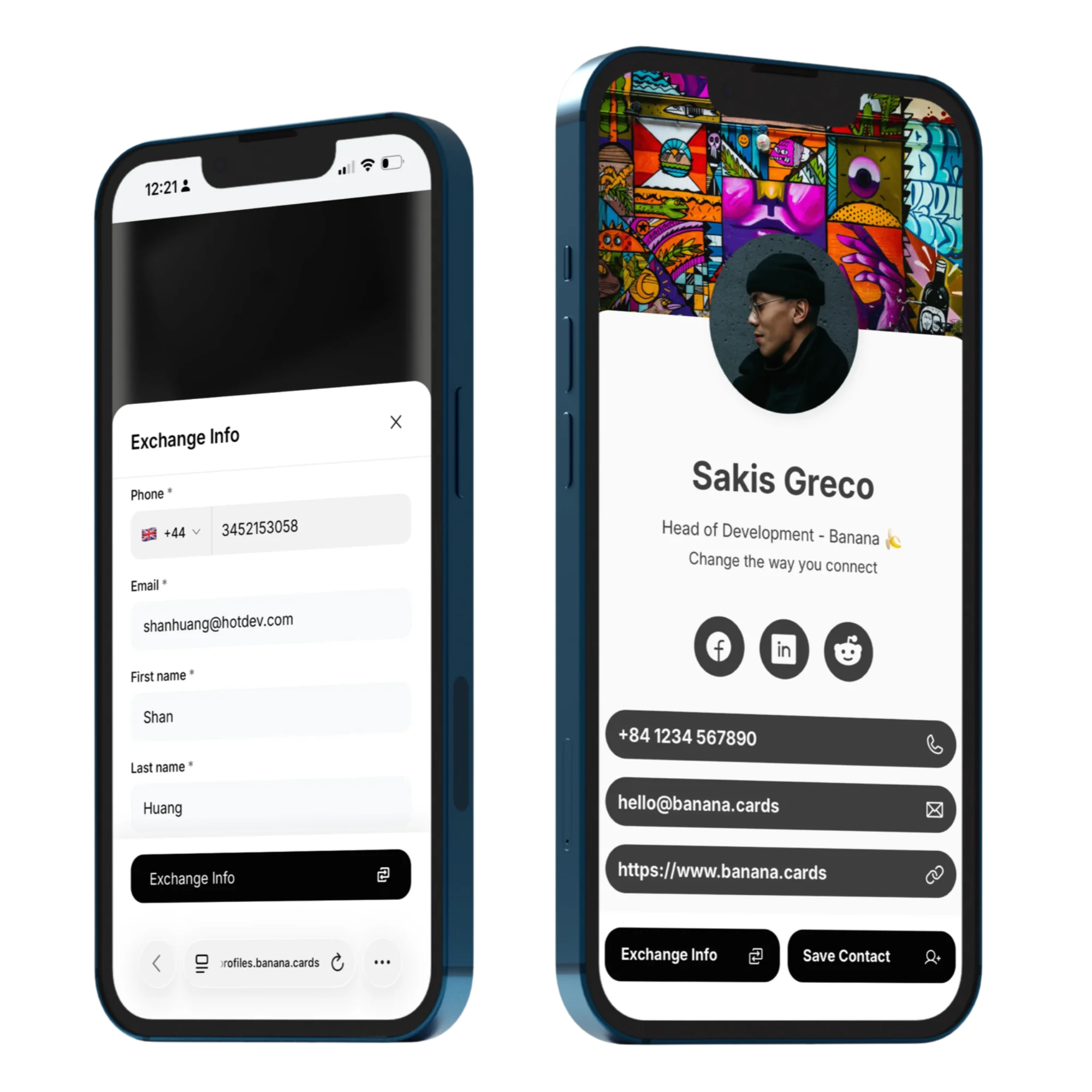
Customizable fields
Choose which fields are required, optional or hidden — name, email, phone, company, notes.
One-tap exchange
Visitors leave their details in seconds — and instantly get your full profile back.
Straight to the CRM
Every lead lands in Banana Contacts with the source, the card and the moment tagged.
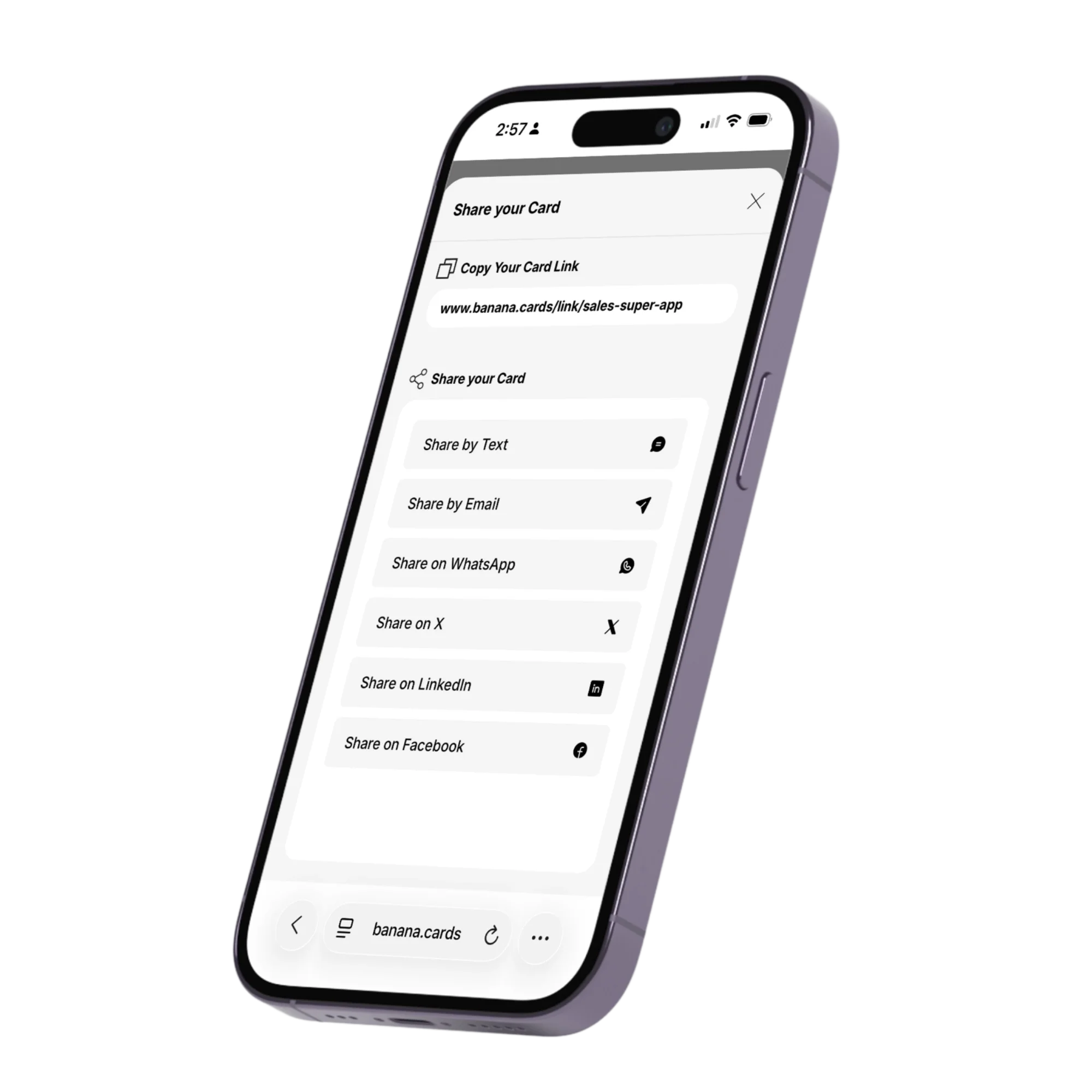
Capture
Trade contacts, not paper.
When someone taps your card or scans your QR, an exchange form pops up before your profile reveals — so you actually walk away with their details, not just give yours away.
- Required vs. optional fields
- Per-card form variations
- Custom intro & thank-you message
- Mobile-first and accessible
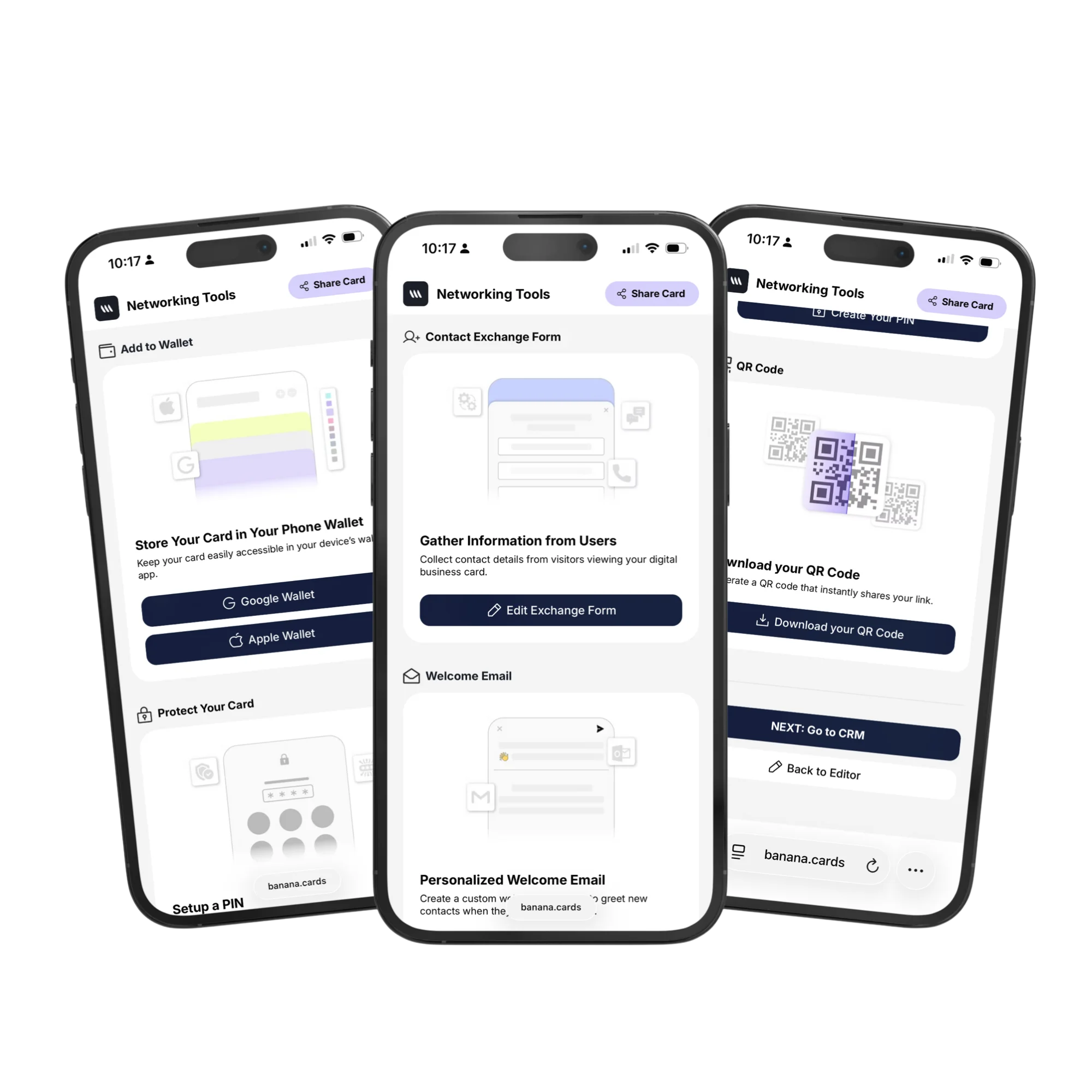
Flow
From form to follow-up in one second.
Every submission creates a contact, fires your welcome email, and can trigger an automation — pipeline stage change, Slack ping, anything.
- Contact created automatically
- Welcome email auto-sent
- Triggers Banana Automations
- Webhooks & Zapier export
How it works
Live in minutes, not months.
- Step 1
Design your form
Pick fields, copy and the post-submit message.
- Step 2
Share your card
Tap, scan or send your card as usual.
- Step 3
They submit
Their details land in Banana Contacts.
- Step 4
You follow up
Welcome email + your favorite automation fire.
Capabilities
Built to go the distance.
Every plan ships with the essentials. Upgrade only for team-scale, advanced security, and AI usage at volume.
Compare plans- Custom fields per card
- Required & optional toggles
- Custom thank-you screen
- Auto-create Banana Contact
- Welcome email integration
- Webhooks & Zapier
- GDPR-ready consent
- Per-event tagging
FAQ
Questions, answered.
What is Lead Exchange and why would I use it?
Lead Exchange flips the script on traditional business cards: instead of just handing over YOUR details, your card prompts the other person to leave THEIR details (name, email, phone, company, etc.) in a quick form before they see your full profile. The result: every networking encounter ends with a captured lead in your CRM, not a one-way handout.
What fields can I collect on the Lead Exchange form?
Standard fields (first name, last name, email, phone, company, title) plus unlimited custom fields — dropdowns, multiple-choice, short text, long text, date, file upload. You decide which are required vs optional, and re-order them however you like. Perfect for capturing context like 'How did we meet?' or 'What are you looking for?'.
Where do those leads end up?
Straight into your Banana CRM as new contacts, tagged with the source card and the event/campaign (if set), with the full timestamp and the form responses on the contact's timeline. They can immediately be enriched, assigned to a teammate, added to a pipeline or pushed into an automation.
Can I use different Lead Exchange forms per card or event?
Yes — each card has its own form. Run a sales card with a long qualification form, a trade-show card with a short 'name + email + what you're interested in', and a partner-event card with custom dropdowns — all from the same Banana workspace.
Can I turn it off when I don't want to ask?
Yes — Lead Exchange is per-card and toggleable. Disable it and the card opens straight to your profile, no form. Re-enable it for the next event.
Will Lead Exchange skip for people who already have my contact?
Yes — if the visitor has already submitted the form once (same email or device), Banana skips the form on subsequent visits and goes straight to your profile, so you don't pester regulars.
Never walk away empty-handed.
Capture the lead before you hand over your card.