
Your details, behind a PIN.
Add a 4-digit PIN to your digital card. Anyone who scans or taps sees a lock screen — only people with the code can unlock your full profile.
- 4-digit
- PIN
- Per-card
- control
- Toggle
- anytime
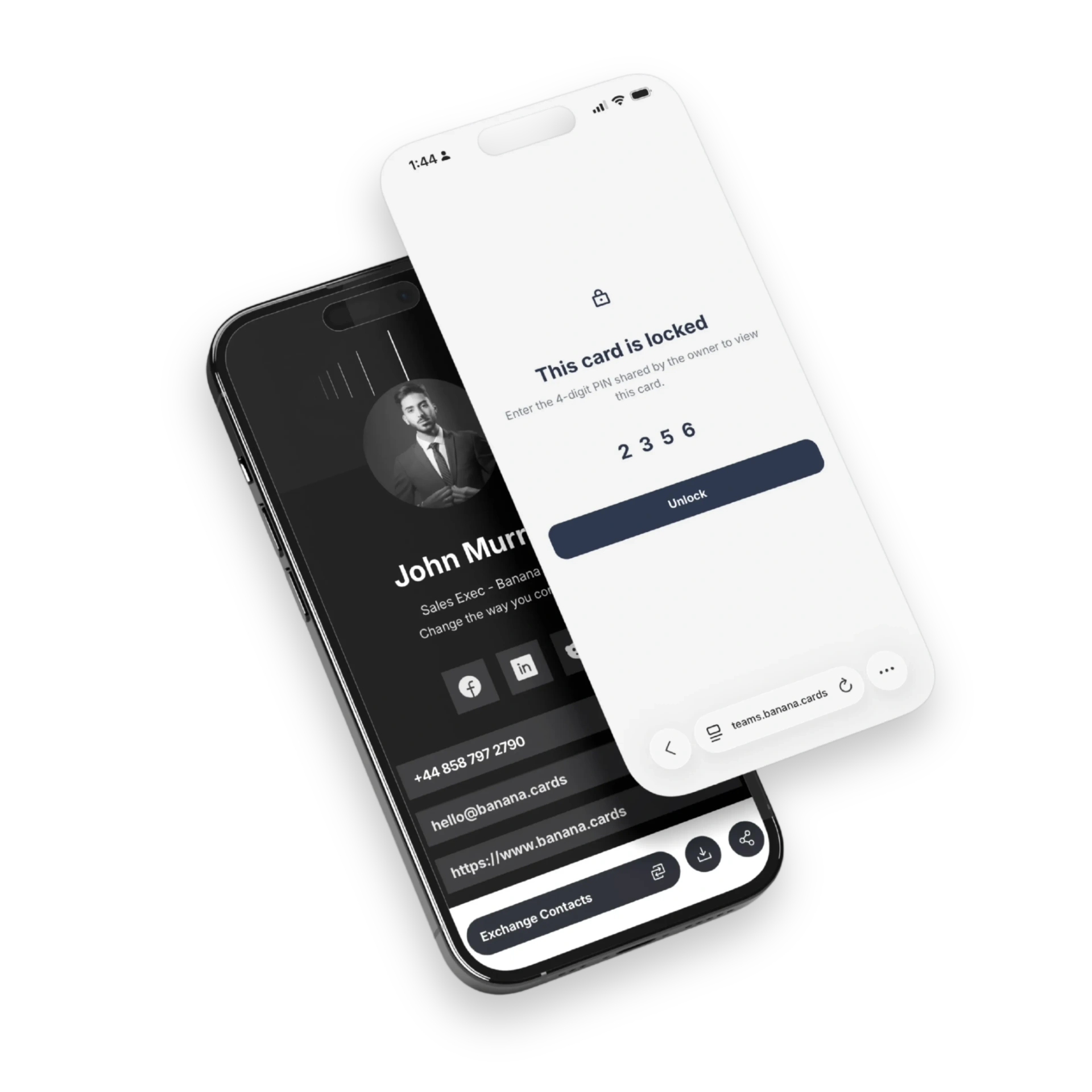
Lock with a code
Pick a 4-digit PIN per card — change or remove it at any time.
Privacy on demand
Use it for VIP cards, after-hours sharing, or any contact data you want to gate.
Easy to share
Just give the PIN to people you trust — no accounts, no logins on their end.
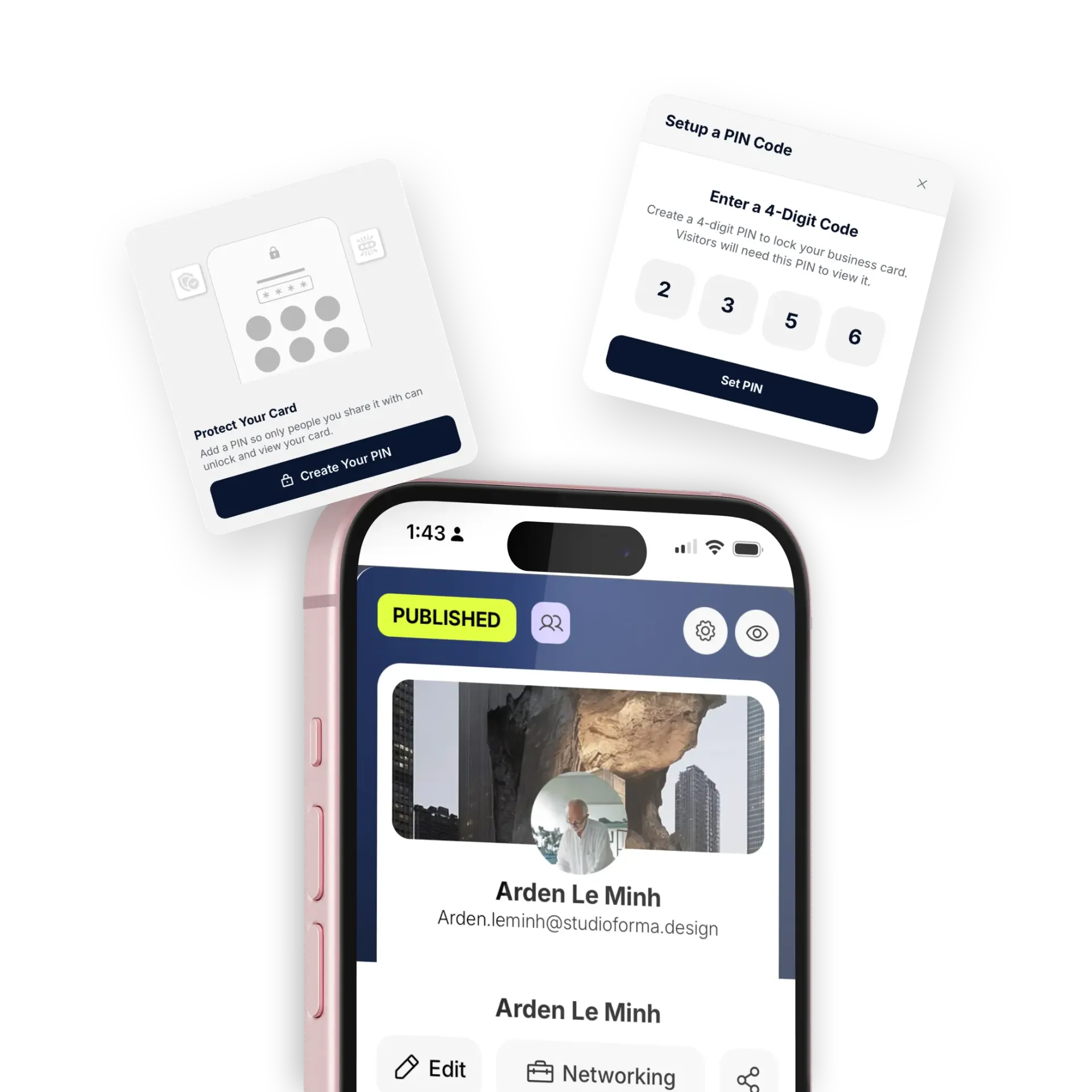
Control
Public face, private details.
Show a teaser — name, title, photo — while keeping phone, email and links behind the lock. Perfect for executives, public-facing teams and sensitive contacts.
- Public teaser vs. private profile
- Customize what's gated
- Rotate the PIN anytime
- Audit who unlocked when
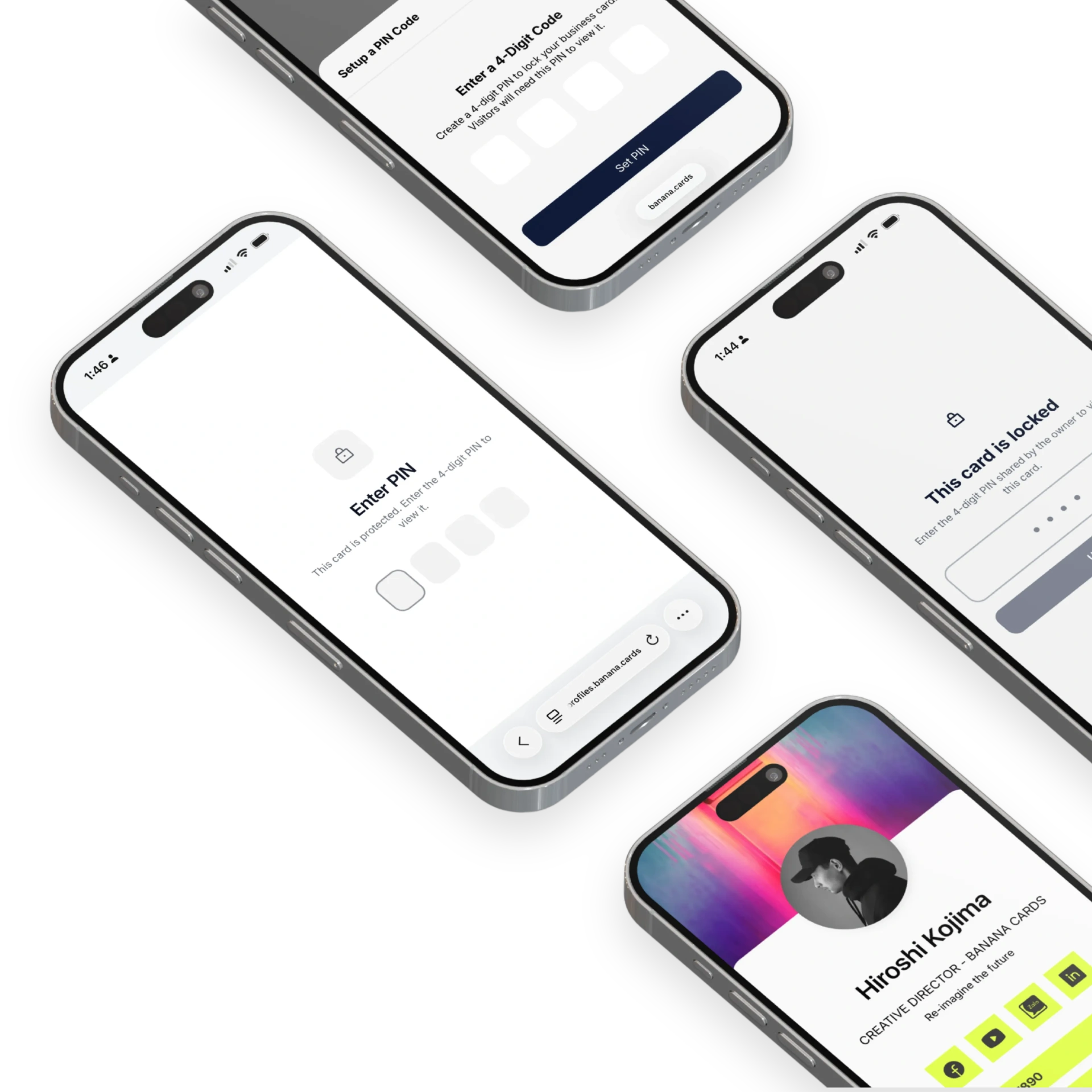
Use cases
Designed for high-trust sharing.
Founders, lawyers, executives, security teams — anyone who wants to share selectively without printing a different card.
- Executive cards
- VIP customer access
- Internal vs. external sharing
- Event-night-only access
How it works
Live in minutes, not months.
- Step 1
Set a 4-digit PIN
From your card settings — takes 10 seconds.
- Step 2
Share your card
As usual — recipients hit a lock screen.
- Step 3
Give them the code
Verbally, by message, or on paper.
- Step 4
They unlock
Full profile appears once verified.
Capabilities
Built to go the distance.
Every plan ships with the essentials. Upgrade only for team-scale, advanced security, and AI usage at volume.
Compare plans- 4-digit PIN per card
- Rotate PIN anytime
- Public teaser screen
- Customizable gated fields
- Per-card on/off
- Unlock audit log
- Brute-force protection
- Works on every share channel
FAQ
Questions, answered.
Why would I PIN-protect a Banana card?
PIN protection is useful when your card lives in someone else's hands or on shared physical media. Common scenarios: an NFC card left on a reception desk that should only open for screened visitors, a high-value client card you only want specific people to access, internal team cards that contain private contact lists, or trade-show booth cards used after-hours only by approved staff.
Can each card have a different PIN?
Yes — every card has its own independent PIN. Different team members can have different PINs on their cards, and a single person can have one card with PIN (executive contact info) and another card without (public profile) at the same time.
Will I see who unlocked the card and when?
Yes — every successful unlock is logged with the timestamp, the visitor's approximate location and device. Failed attempts are logged separately so you can spot probing.
What stops someone from brute-forcing the PIN?
After a small number of wrong attempts the card is rate-limited for that device, the wrong-attempt is logged, and on Pro/Enterprise plans Banana can send you an alert if a card is hit by repeated bad PIN attempts. The PIN itself is hashed at rest, not stored in plain text.
Can I change or remove the PIN later?
Yes — change the PIN, rotate it on a schedule, or remove it entirely at any time. The change takes effect immediately — no reprinting, no reshipping, no software update on the recipient's side.
Is PIN protection a substitute for proper user authentication?
No — PIN protection is a lightweight gate to make a card semi-private. It's not the same as logging into an authenticated workspace, so don't store credentials or true secrets behind a card PIN; use it to filter who lands on the profile.
Share what you want. Hide what you don't.
PIN protection puts you in charge of who sees what.