
One code, every channel.
Generate a branded, dynamic QR code for every card. Re-route the destination anytime, track every scan, and download print-ready files in PNG or SVG.
- Dynamic
- QR
- PNG · SVG
- downloads
- Live
- scan stats
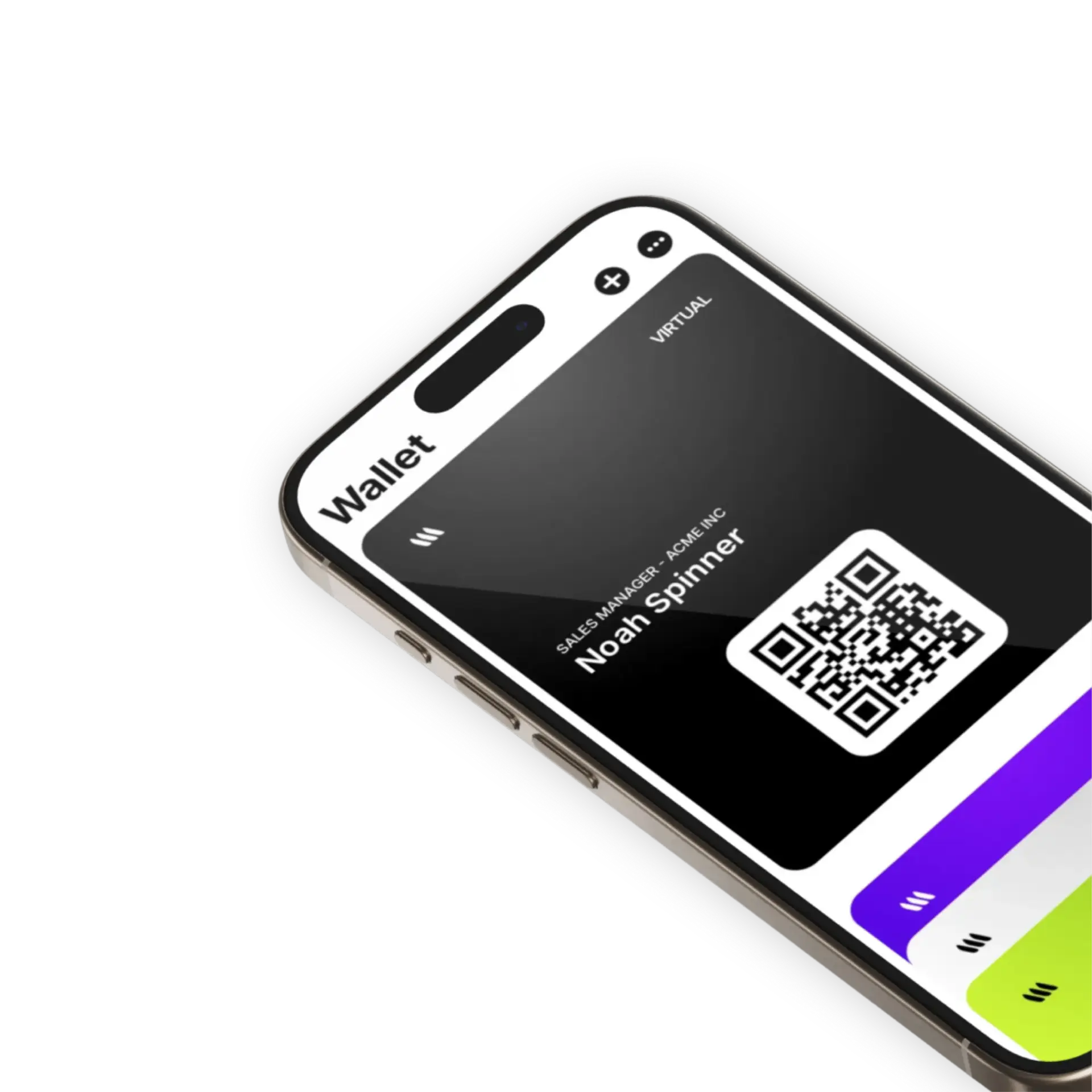
Branded QR
Custom colors, logo in the center and rounded modules — your QR, not a generic black square.
Print-ready
Download high-res PNG or vector SVG for stickers, signage, name tags and merch.
Track every scan
See total scans, unique devices, locations, time of day — per QR, in real time.
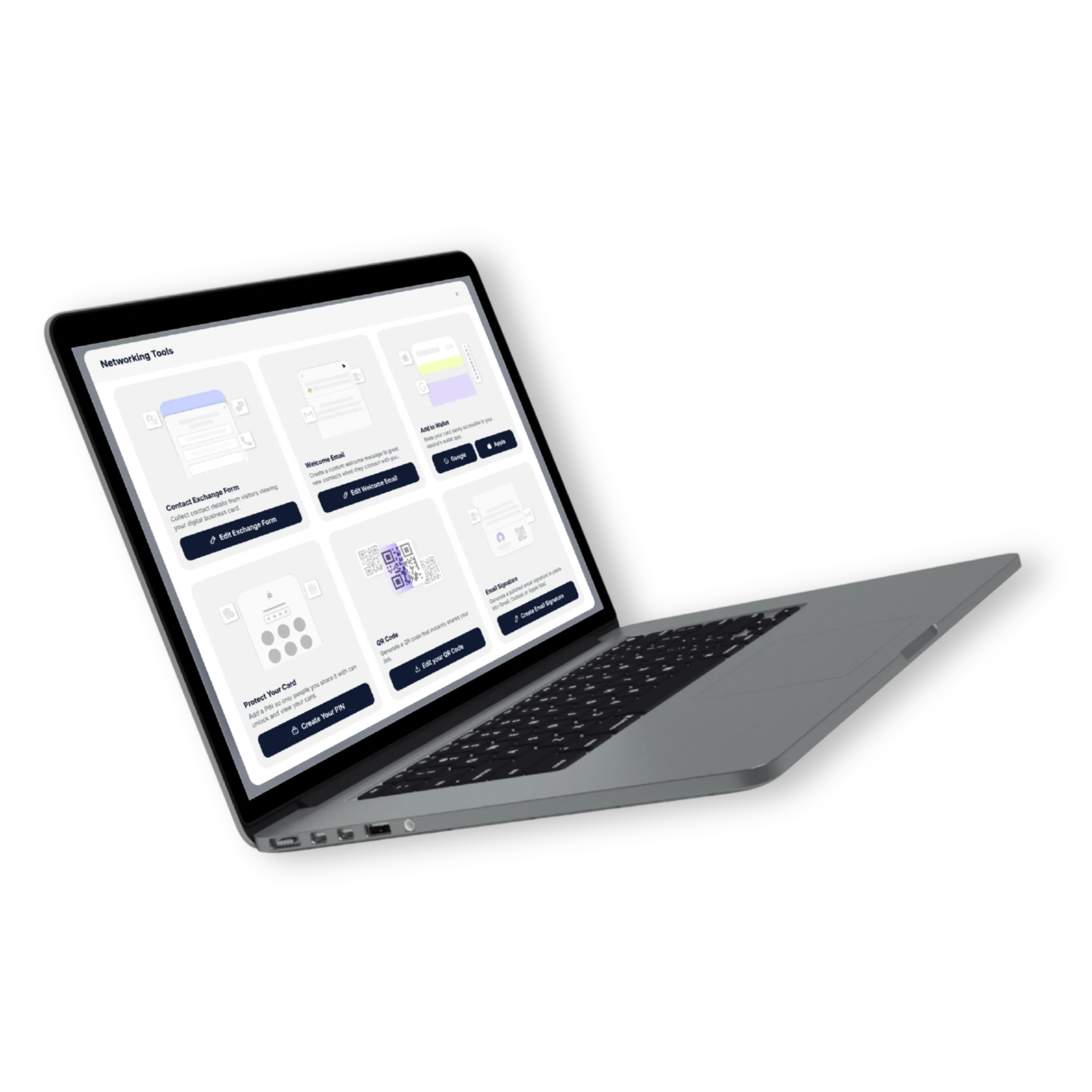
Dynamic
Change the link, keep the QR.
Banana QRs are dynamic — point the same code at a new destination anytime without reprinting a thing. Perfect for campaigns, events and seasonal pages.
- Re-route anytime
- A/B test destinations
- Per-event QR variants
- Stable over time
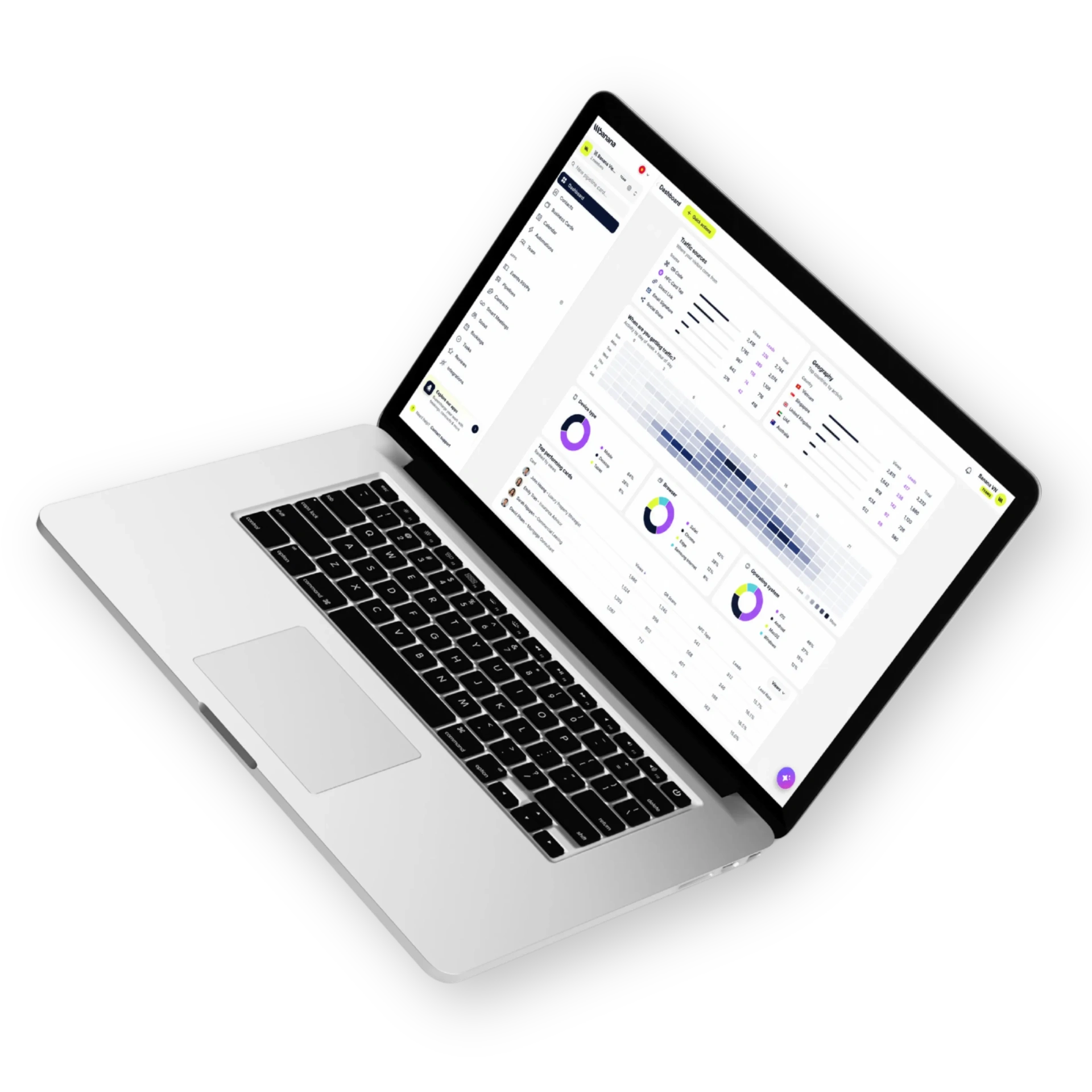
Analytics
Every scan, attributed.
See exactly where and when your QR is scanned. Tie scans to events, channels and campaigns with built-in UTM passthrough.
- Scans by city & device
- Time-of-day patterns
- UTM passthrough
- CSV & API export
How it works
Live in minutes, not months.
- Step 1
Generate a QR
One click from any card.
- Step 2
Brand it
Colors, logo, rounded corners.
- Step 3
Download & share
PNG or SVG for print and digital.
- Step 4
Track & re-route
Watch scans, swap the destination.
Capabilities
Built to go the distance.
Every plan ships with the essentials. Upgrade only for team-scale, advanced security, and AI usage at volume.
Compare plans- Dynamic QR codes
- Custom colors & logo
- PNG & SVG export
- Per-card QR
- Real-time scan analytics
- Geo & device insights
- UTM passthrough
- Stable URL — never reprint
FAQ
Questions, answered.
What's the difference between a static and a dynamic QR code?
A static QR has the destination URL baked into the dots — once printed, it's locked forever and a new destination means a new code. A dynamic QR (which is what Banana generates) points to a short redirect that you control. You can re-route a printed QR to a different page weeks or years later, without reprinting anything.
Can I add my logo or brand the QR code?
Yes — drop your logo in the center, set custom foreground/background colors, pick from rounded or square modules, and download a frame with a custom call-to-action ('Scan to connect', 'Tap to RSVP'). Error correction is tuned so scans stay reliable with the logo in place.
What file formats can I export?
High-resolution PNG (for digital and screen use), SVG (vector, infinite scale — perfect for billboards and print at any size), and PDF (print-ready). All include bleed and quiet-zone margins so your printer doesn't crop the scannable area.
Where can I print or display my Banana QR code?
Business cards, store window decals, table tents, menus, brochures, exhibition booth backdrops, conference badges, event signage, packaging, vehicle wraps, slide decks, video lower-thirds, Instagram stories — anywhere a camera can see it. Make it at least 2cm × 2cm at print size for reliable scanning.
Can I track who scanned each QR code?
Yes — every scan is logged with timestamp, approximate location, device and source. Generate a separate QR per campaign or location and Banana shows per-QR performance in analytics, so you know which conference booth or print ad is actually driving views.
Can I have multiple QR codes?
Yes — generate one QR per card, per event, per campaign or per channel. Each one can route somewhere different, be re-routed independently, and is tracked separately in analytics.
Print once. Re-route forever.
Dynamic QR codes built for events, signage and everyday sharing.