
Your card, in their pocket.
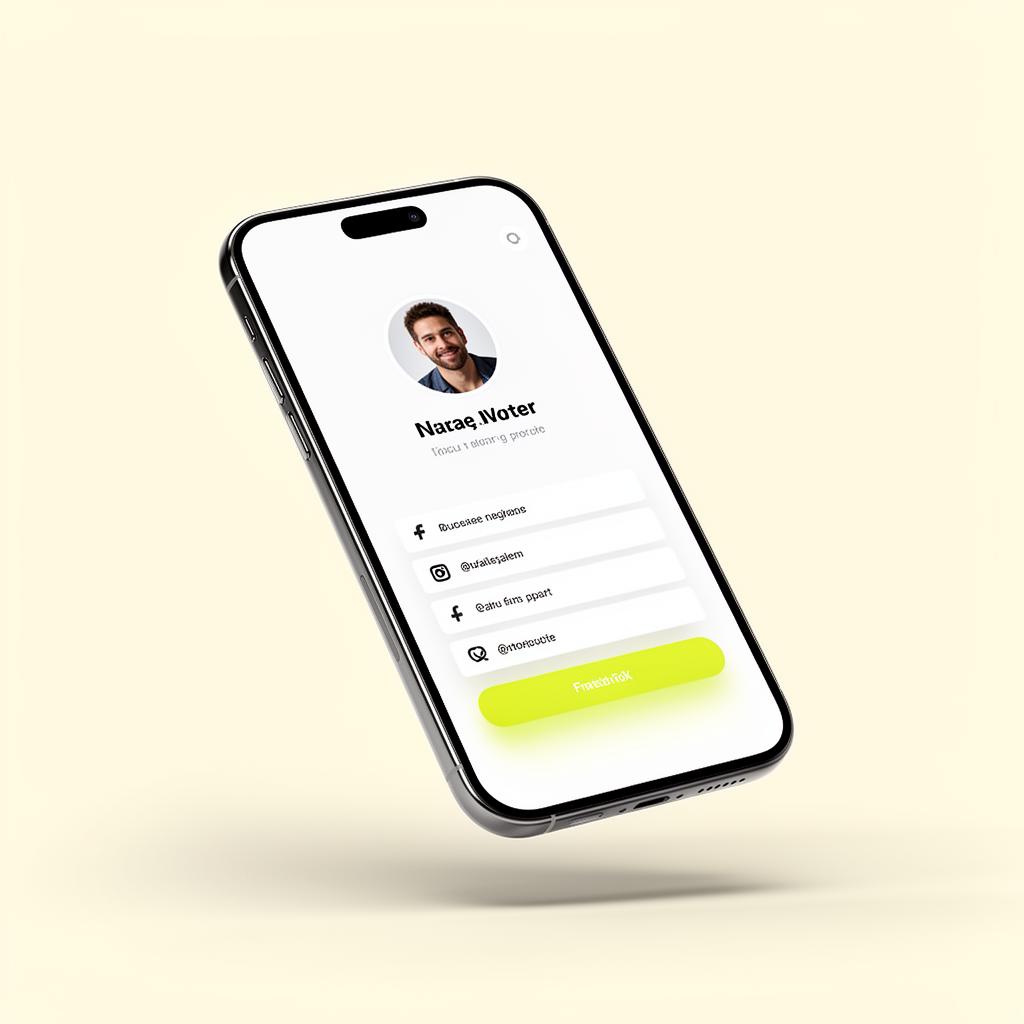
Recipients save your Banana card to Apple Wallet or Google Wallet in one tap — instantly accessible from their lock screen, and always in sync with your latest profile.
- Apple
- Wallet
- Wallet
- Auto
- updates
One-tap save
A native 'Add to Wallet' button on every shared profile — no app installs, no friction.
Live updates
Change your title, phone or photo — the saved pass refreshes automatically on their phone.
Lock-screen access
Your card surfaces from the lock screen whenever someone needs to share it back.
Apple Wallet
A native pass, designed by you.
Banana generates a proper Apple Wallet pass with your branding, photo and QR — backed by a stable serial so updates push instantly.
- Native .pkpass format
- Branded color, logo & strip
- Auto-update via push
- QR for instant re-share
Google Wallet
Same card, on Android.
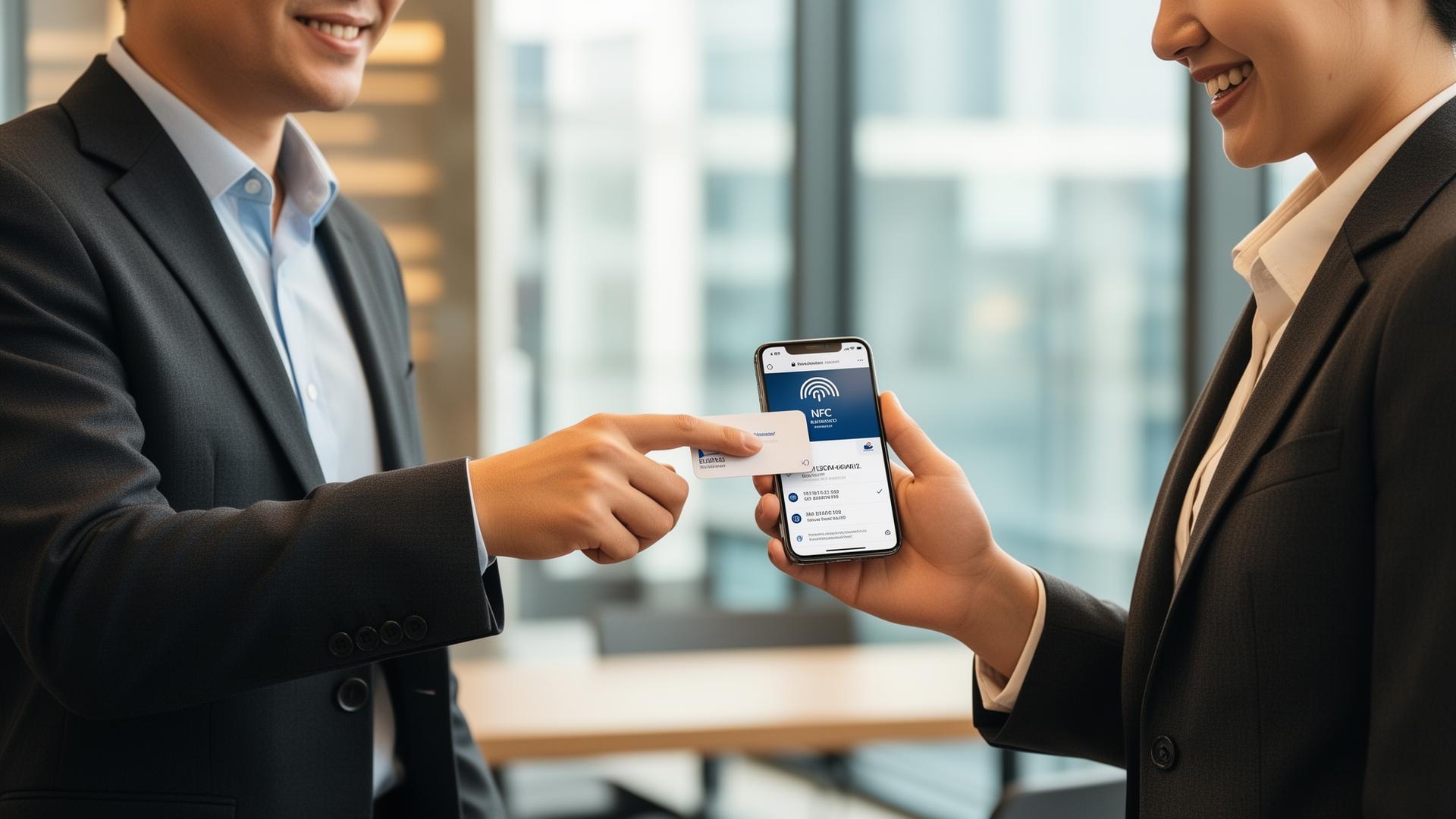
A Google Wallet pass with the same data and the same auto-update behavior — so every recipient is covered, whatever they carry.
- Google Wallet pass
- Auto-update on profile change
- Universal QR
- No Play Store install
How it works
Live in minutes, not months.
- Step 1
Share your card
Tap, scan or send — as usual.
- Step 2
They tap 'Add to Wallet'
Apple or Google, whichever they have.
- Step 3
Card lands in wallet
With your photo, branding and QR.
- Step 4
You update — it syncs
Their saved pass refreshes automatically.
Capabilities
Built to go the distance.
Every plan ships with the essentials. Upgrade only for team-scale, advanced security, and AI usage at volume.
Compare plans- Apple Wallet (.pkpass)
- Google Wallet
- Auto-updating passes
- Branded design
- QR-on-pass for re-share
- Push notifications on update
- Per-card pass templates
- No app install required
FAQ
Questions, answered.
What is an Apple/Google Wallet pass for a business card?
It's your Banana card saved as a native pass inside the recipient's phone wallet — alongside their boarding passes, loyalty cards and payment cards. One tap from the wallet shows your photo, name, title and contact details, with quick-action buttons to call, email, message, book a meeting or open your full profile.
Do recipients need the Banana app to use the Wallet pass?
No — Wallet passes are native to iOS (Apple Wallet) and Android (Google Wallet). They install in one tap with no signup and no third-party app, and live in the same wallet the phone ships with.
Does the pass update when I change my job title, photo or company?
Yes — passes are linked to your live profile. Edit your title once in Banana and every Wallet pass that's been saved to a phone refreshes automatically via Apple/Google push the next time the phone has internet. No reprinting, no resending, no asking the recipient to re-download.
Can I brand the pass with my company colors and logo?
Yes — set the background color, logo, strip image (the banner at the top), text color and accent color. Pro plans unlock white-label removal of the 'Powered by Banana' line on the back of the pass.
Will it work offline?
Yes — once installed, the pass and all its data (name, phone, email, title, photo) are stored locally on the phone and open instantly without internet. Pass updates from you will sync next time the phone comes online.
Is there a fee for Wallet passes?
No — Wallet passes are included on every plan, including the free plan, with unlimited installs.
Always there. Always current.
Apple & Google Wallet — the easiest way for someone to keep your card forever.