
Move every deal forward.
Build pipelines that match the way you actually sell. Drag deals between stages, assign tasks, set reminders, and let automations push the rest forward.
- Unlimited
- pipelines
- Auto
- next-step
- 3x
- throughput
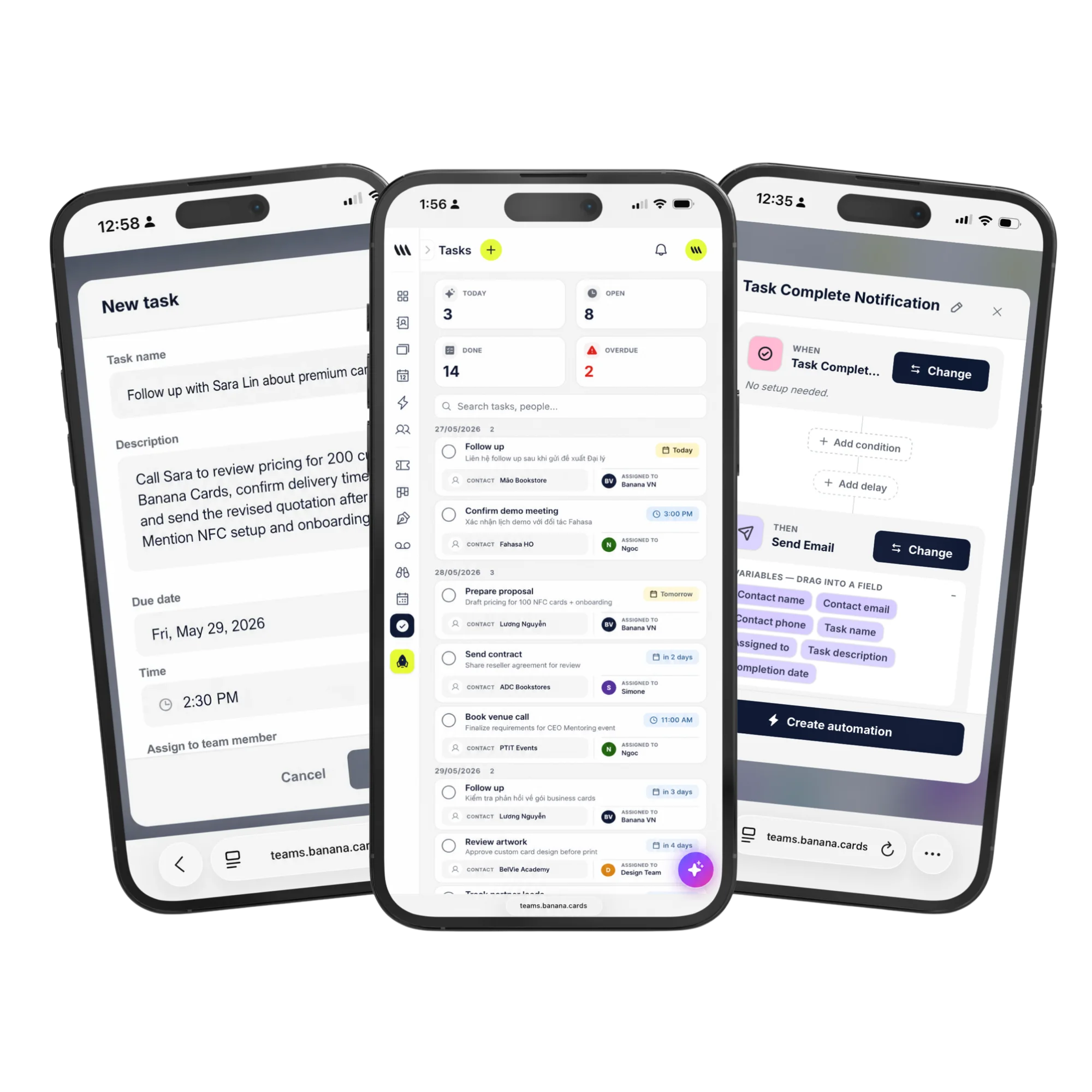
Custom pipelines
Per team, per product, per region — and switch views in a click.
Tasks that nag
Auto-assigned, auto-due, with reminders that actually fire.
SLA tracking
See where deals stall and where reps need help.
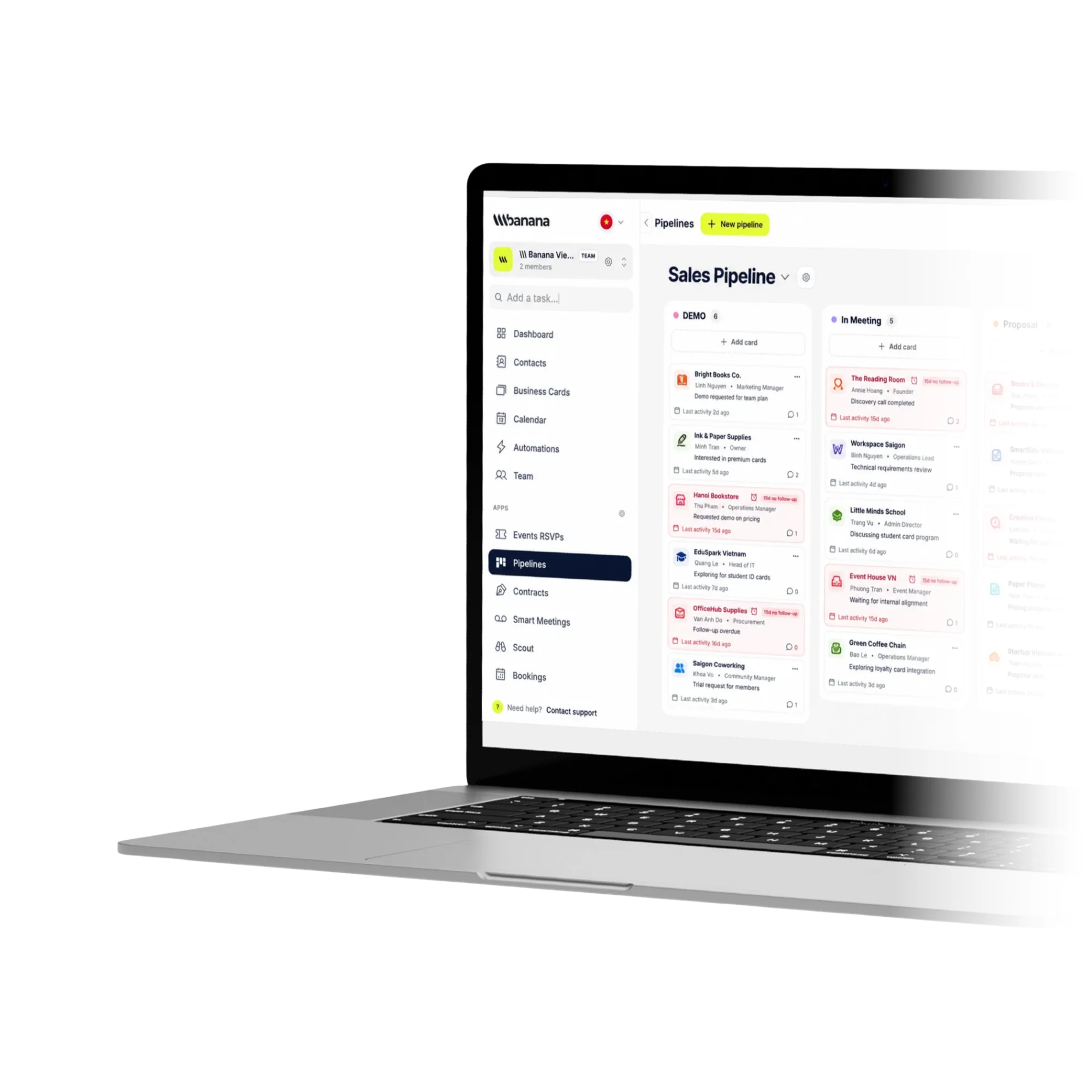
Board
Drag, drop, done. Kanban or list.
Switch between board, list and timeline views without losing context. Bulk-edit hundreds of deals in seconds.
- Kanban, list and timeline views
- Bulk edit and assign
- Custom deal fields and formulas
- Conditional stage requirements
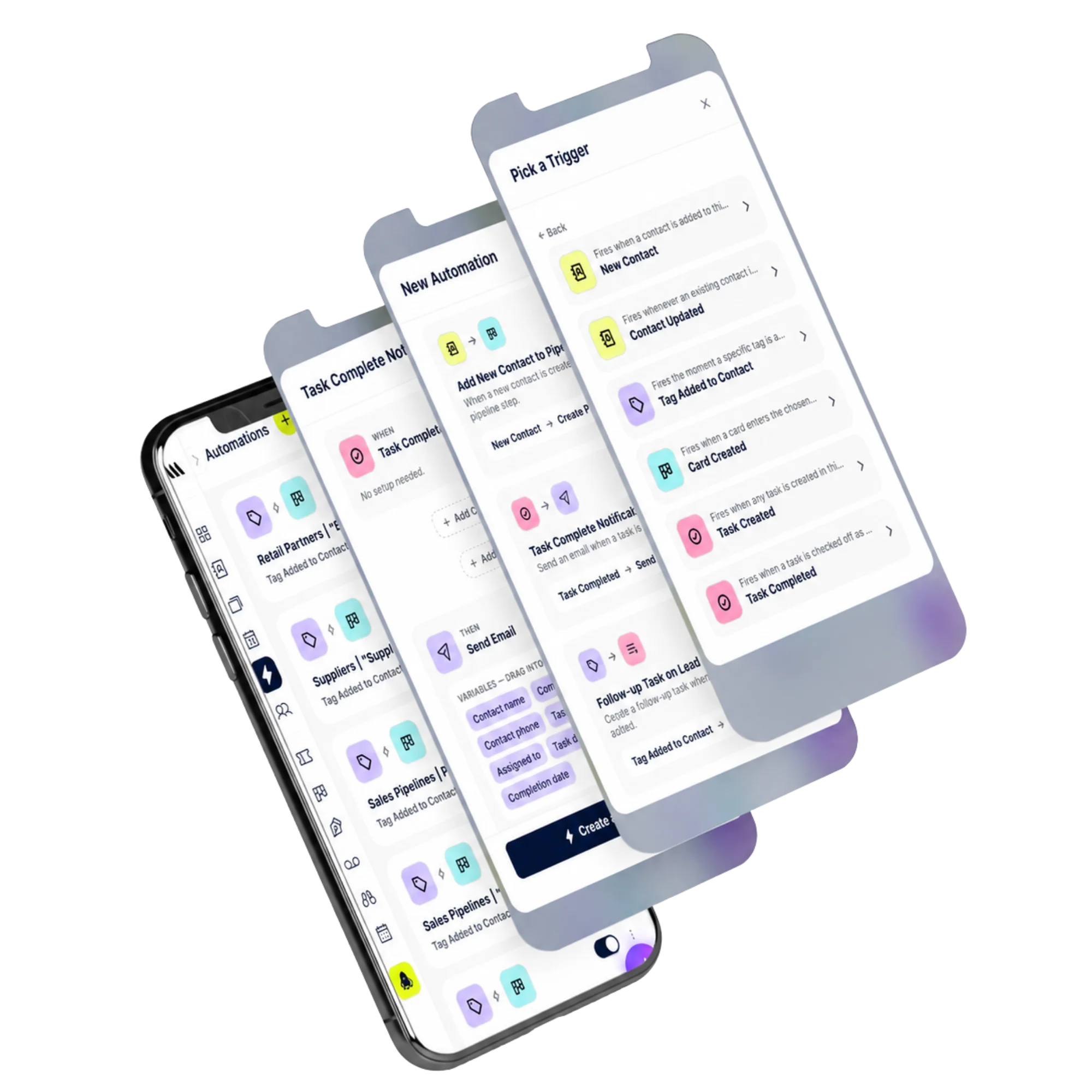
Automations
Move work while you sleep.
When a deal hits 'proposal sent', auto-create a follow-up task, schedule a reminder and notify the rep — all from one trigger.
- Triggers on stage change
- Auto-task creation
- Slack / email notifications
- Round-robin assignment
How it works
Live in minutes, not months.
- Step 1
Design your stages
Match how you actually sell.
- Step 2
Add deals
From contacts, forms or imports.
- Step 3
Automate the boring
Tasks, reminders, notifications.
- Step 4
Track and coach
SLA, velocity, stalled deals.
Capabilities
Built to go the distance.
Every plan ships with the essentials. Upgrade only for team-scale, advanced security, and AI usage at volume.
Compare plans- Unlimited pipelines
- Custom stages and fields
- Tasks with SLAs
- Round-robin assignment
- Stage requirements
- Bulk actions
- Velocity & funnel reports
- API & webhooks
FAQ
Questions, answered.
What can I actually track in a pipeline?
Anything that moves through stages: sales deals and opportunities, client onboarding, hiring (candidates → offer → hired), project delivery, partnership negotiations, support tickets, even content production. Each pipeline has fully custom stages, custom fields per card, and a deal value with currency — so the same workspace can run a Sales pipeline and a Hiring pipeline side by side.
How many pipelines can I create and how big can they get?
Create as many pipelines as you need across your plan limit, with unlimited stages and unlimited cards per stage. Drag-and-drop kanban handles thousands of cards smoothly thanks to virtualized rendering.
Can I attach contacts, tasks and notes to a deal card?
Yes. Every card links to one or more CRM contacts, carries its own task list with due dates and assignees, supports notes and file attachments, and shows a full activity timeline. Closing the card writes the outcome back to each linked contact.
Can I forecast revenue and weight deals?
Yes — assign a value and currency to each card, set a probability per stage (so 'Negotiation' might be 70%) and Banana rolls up weighted forecast totals per pipeline, per assignee and per time window. FX conversion to your account currency happens automatically.
Does it work in multiple currencies?
Yes — record each deal in its native currency (USD, EUR, GBP, VND, etc.) and Banana converts to your workspace's reporting currency using live FX rates for forecast roll-ups.
Can I round-robin assign new deals across the team?
Yes — set a default assignee per pipeline or round-robin across a group, and trigger automations on stage change (e.g. when a deal hits 'Won', auto-create the onboarding contract and a kickoff task).
Stop chasing. Start closing.
Pipelines and tasks that actually move work forward.