
Five-star reviews, on autopilot.
After every meeting or completed deal, Banana asks for a review at the perfect moment — and routes happy customers to Google, Trustpilot or wherever you grow.
- 4x
- more reviews
- +0.5
- stars on avg
- Auto
- routing
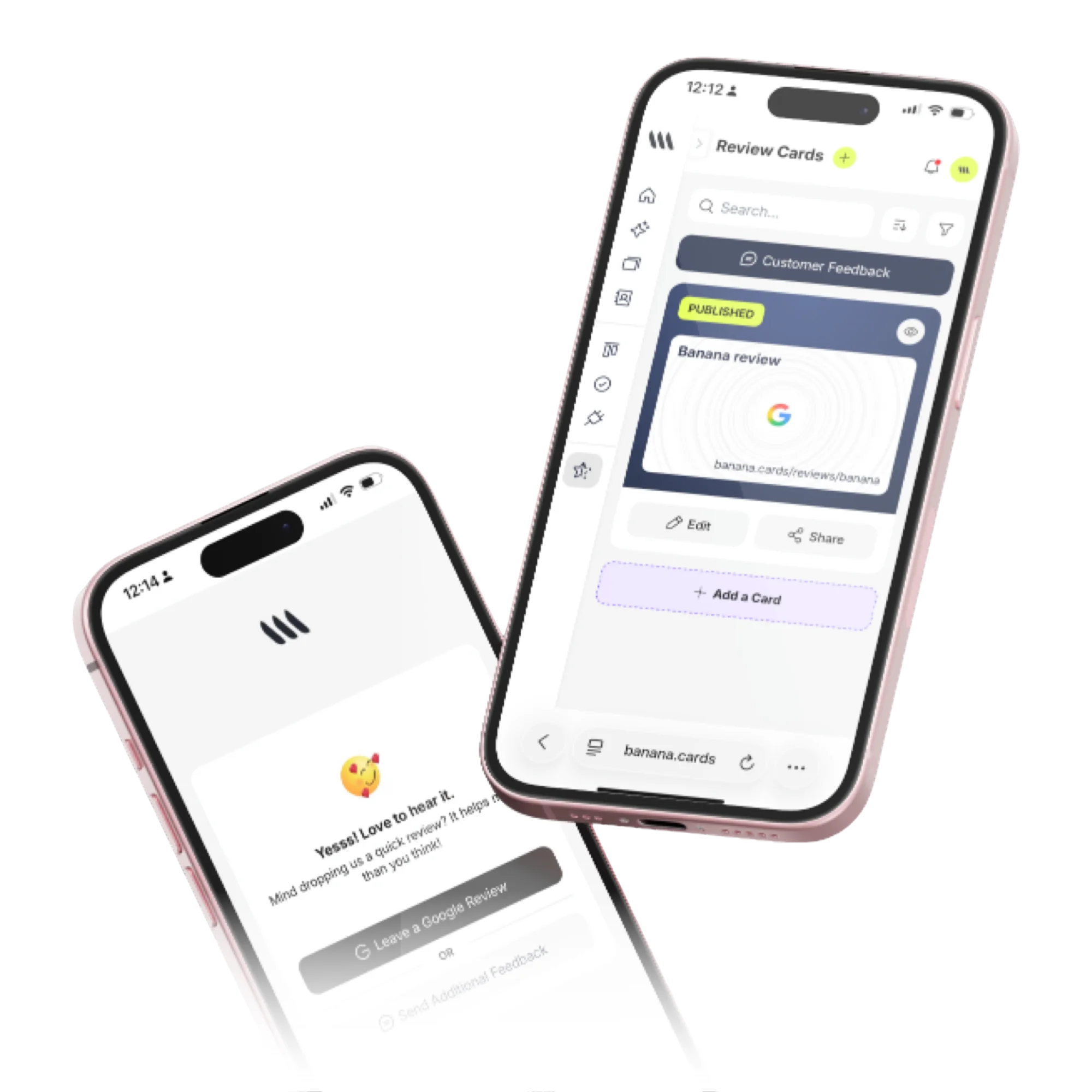
Multi-channel asks
Email, SMS or in-app — at the time clients are most likely to say yes.
Smart routing
Send 5★ customers to public sites and route critical feedback privately.
AI replies
Draft thoughtful replies to every review in seconds.
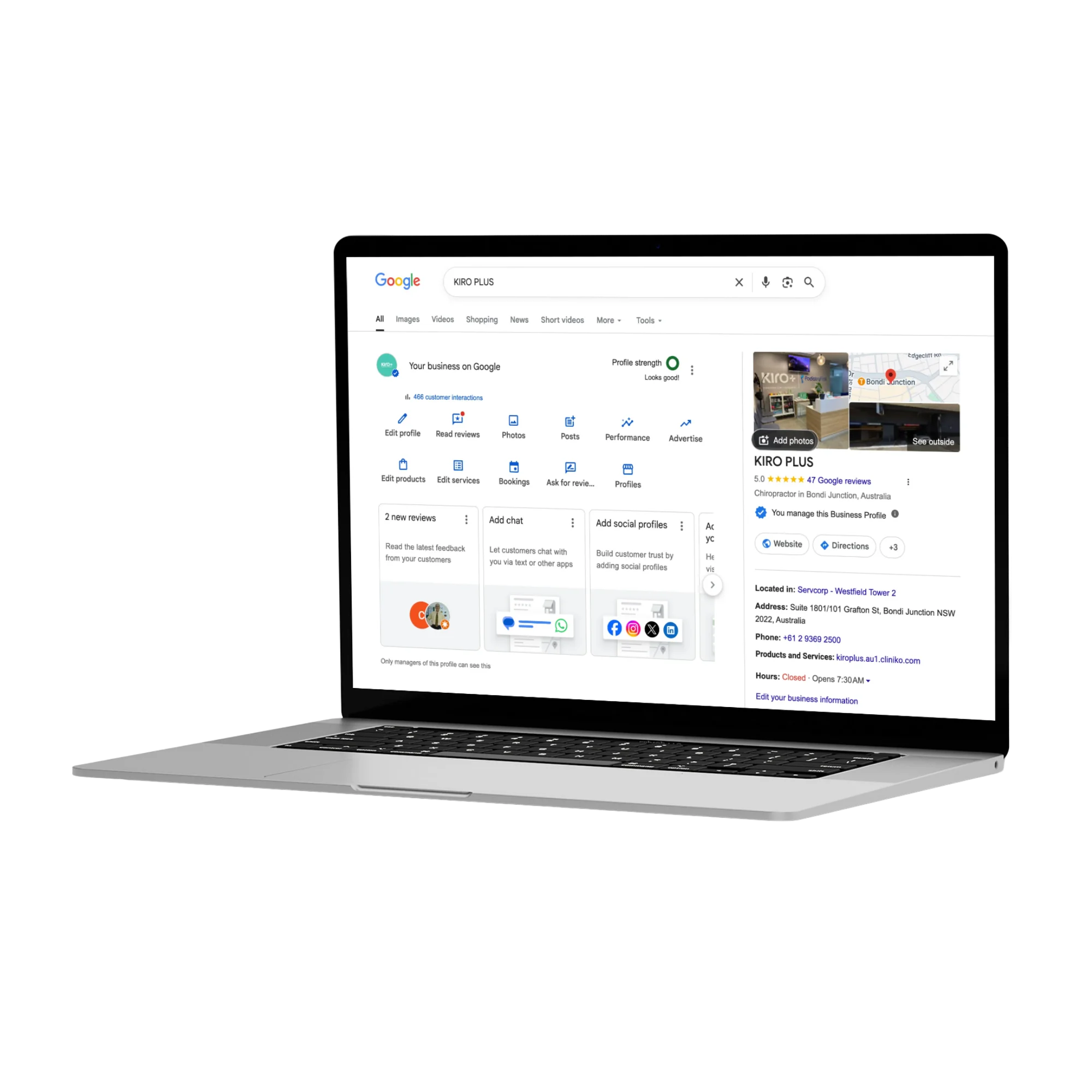
Timing
The right ask, at the right moment.
Trigger review requests from contract signed, deal won, meeting ended or any custom event.
- Trigger from any workflow
- Per-channel templates
- Reminder cadence and caps
- A/B test subjects and channels
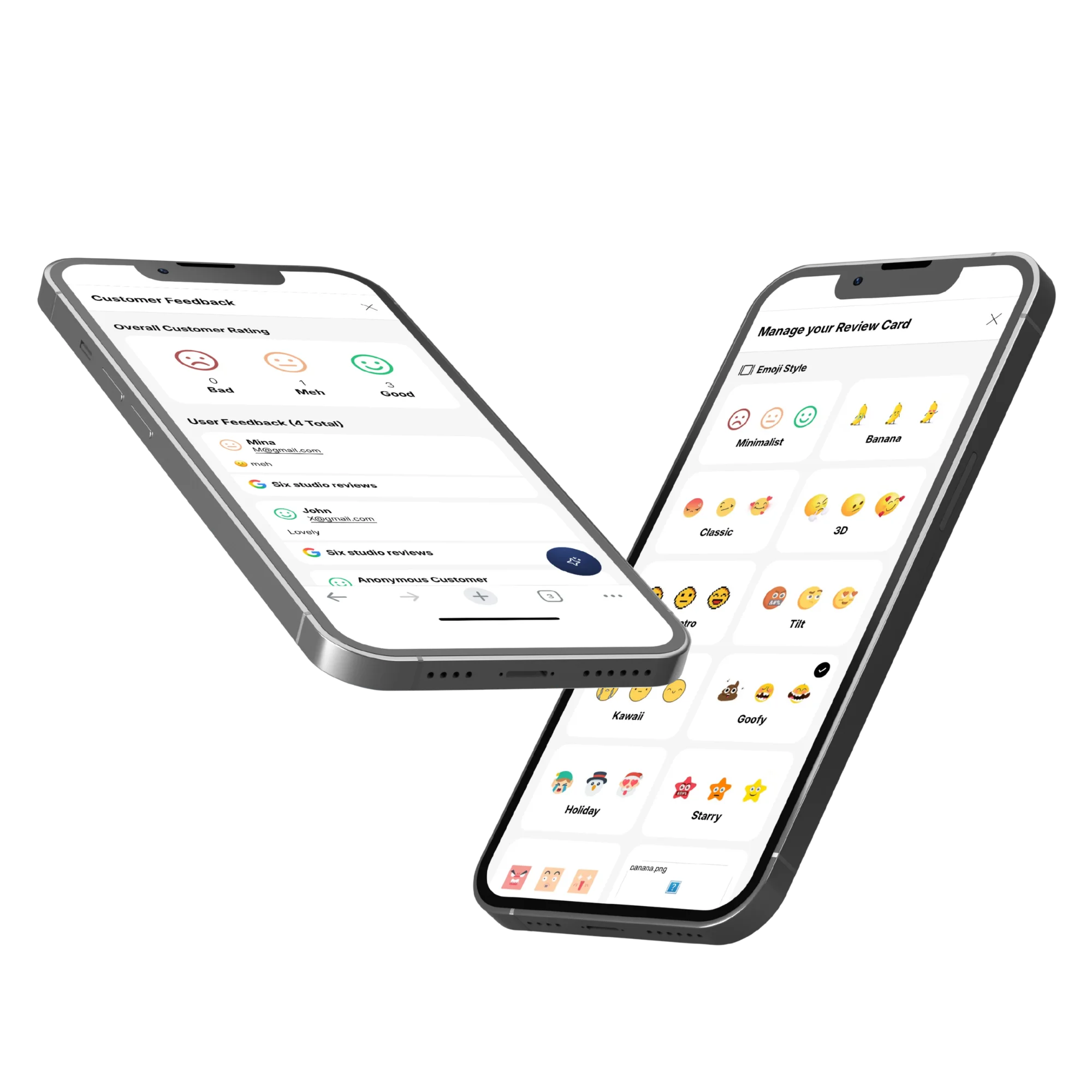
Insights
See what customers actually feel.
AI clusters review themes so you can see what people love — and what to fix.
- Theme clustering
- Sentiment per segment
- Public-site share of voice
- Alerts on negative reviews
How it works
Live in minutes, not months.
- Step 1
Connect destinations
Google, Trustpilot, custom URLs.
- Step 2
Set the trigger
Won deal, signed contract, meeting end.
- Step 3
Banana asks
At the right time, on the right channel.
- Step 4
Watch stars rise
Reply with AI in one tap.
Capabilities
Built to go the distance.
Every plan ships with the essentials. Upgrade only for team-scale, advanced security, and AI usage at volume.
Compare plans- Google & Trustpilot integrations
- Email & SMS asks
- Smart 5★ routing
- AI reply drafting
- Sentiment clustering
- Per-team destinations
- Reminder cadences
- Negative-feedback alerts
FAQ
Questions, answered.
How does Banana help me get more reviews?
Two ways: a virtual Review Card you share by link, QR or after a transaction, and a physical NFC Review Card you tap to a customer's phone on the spot. Either way the customer lands on a branded review page in one tap, picks a star rating, and is routed straight to your chosen review destination (Google, Trustpilot, etc.) — friction drops to near-zero, so conversion rises sharply.
Can I filter out unhappy customers from posting publicly?
Banana does not block low ratings — that would violate Google's policies. Instead, the Customer Feedback flow gives unhappy customers an easy way to send private feedback to you first, so you can resolve their issue, while happy customers continue straight to the public review site. Everyone can still leave a public review if they want to.
Which review sites are supported?
Google Business Profile and Trustpilot out of the box, plus any custom URL — so you can also send people to Yelp, TripAdvisor, Capterra, G2, Facebook, the Apple App Store / Google Play, or your own testimonials page.
Can each team member have their own review card?
Yes — assign cards per teammate (great for sales reps, stylists, agents and instructors) so each person collects reviews tied to their name, while admins see a roll-up dashboard for the whole business.
Where does the private 'unhappy customer' feedback go?
Into the Customer Feedback inbox in your workspace, with the customer's name and contact info attached, so you can reply directly. Resolving a complaint early often turns it into a 5-star review later.
Do I need a Google Business Profile to use this?
Not at all — you can route to any review destination, including a simple form on your own website. A Google Business Profile is recommended if you want to rank in local search, but it's not required to start collecting reviews with Banana.
More stars. Less work.
Reviews that ship at the perfect moment — every time.