
Stay on top of everything.
Create, assign and complete tasks for yourself and your team — linked to the contacts, deals and meetings they actually belong to. Reminders that fire when they should.
- Unlimited
- tasks
- Smart
- reminders
- Team
- assignment
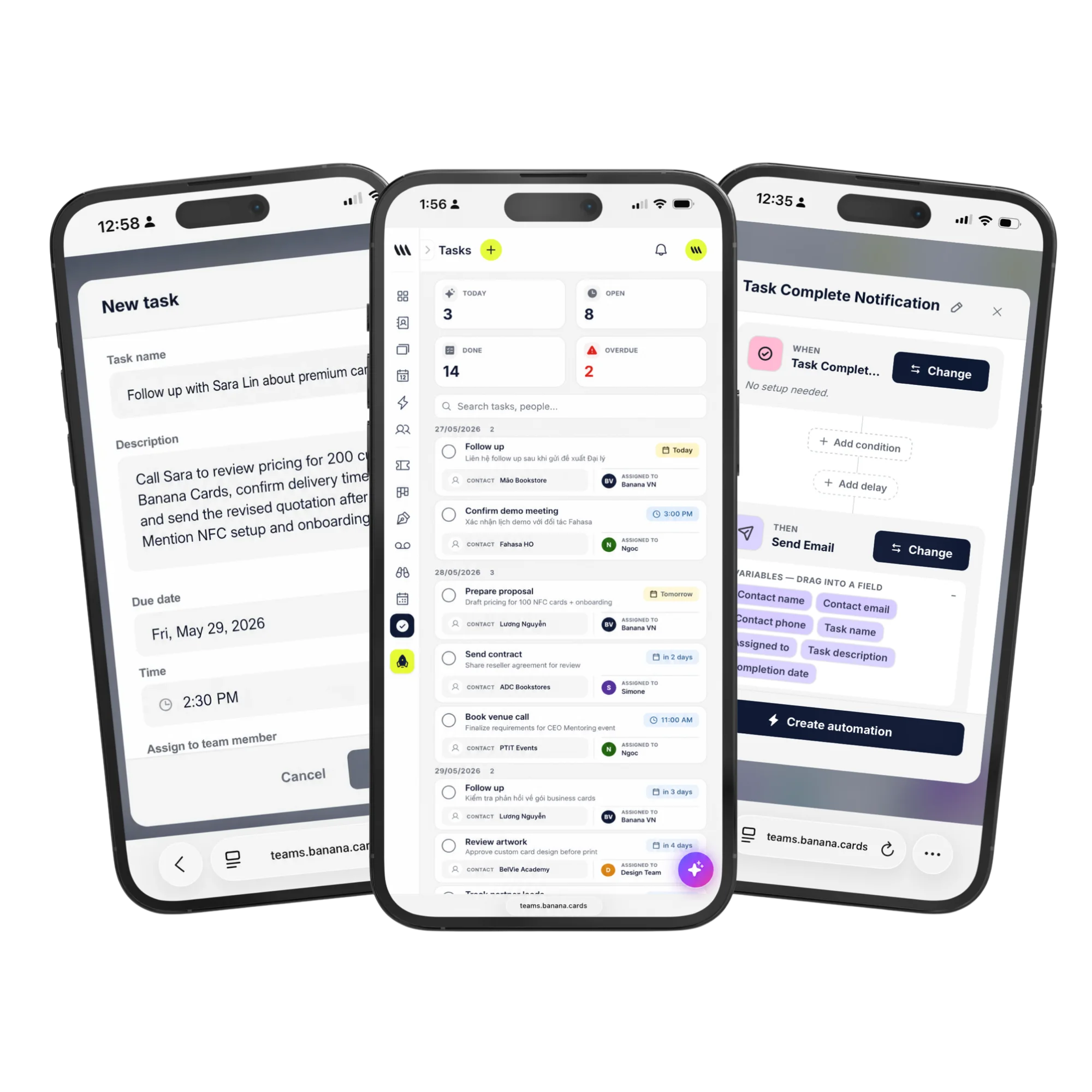
Tied to context
Every task lives on a contact, deal or meeting — open the task, see the why.
Reminders that fire
In-app, email, push — choose how Banana nudges you on every task.
Built for teams
Assign, reassign and watch — full visibility across the team without micromanaging.
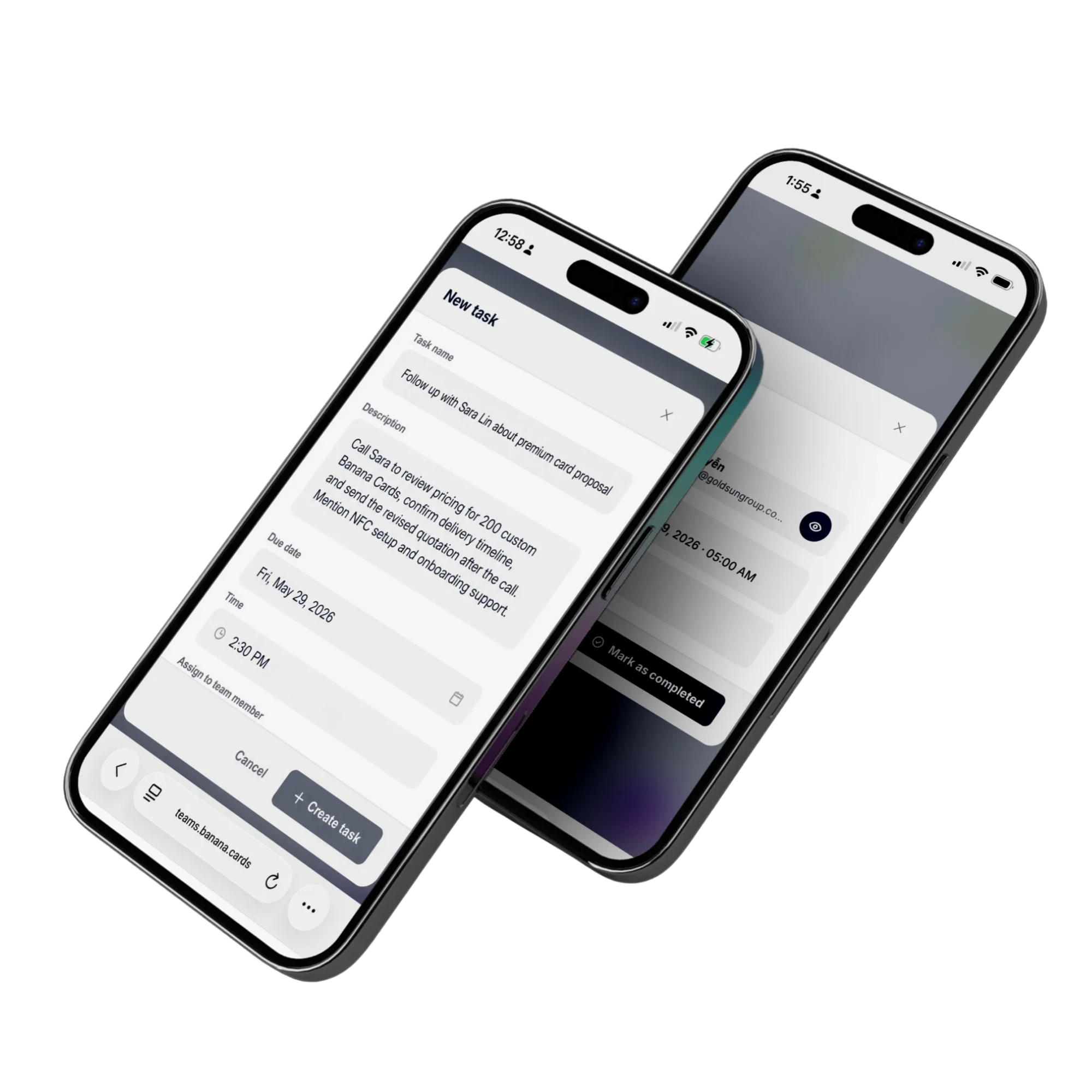
Workflow
Tasks where the work is.
Open a contact and see every task. Open a deal and see every task. Create one from anywhere — calendar, contact, meeting transcript — without context switching.
- Tasks on contacts & deals
- Recurring tasks
- Sub-tasks & dependencies
- Mobile-first inbox
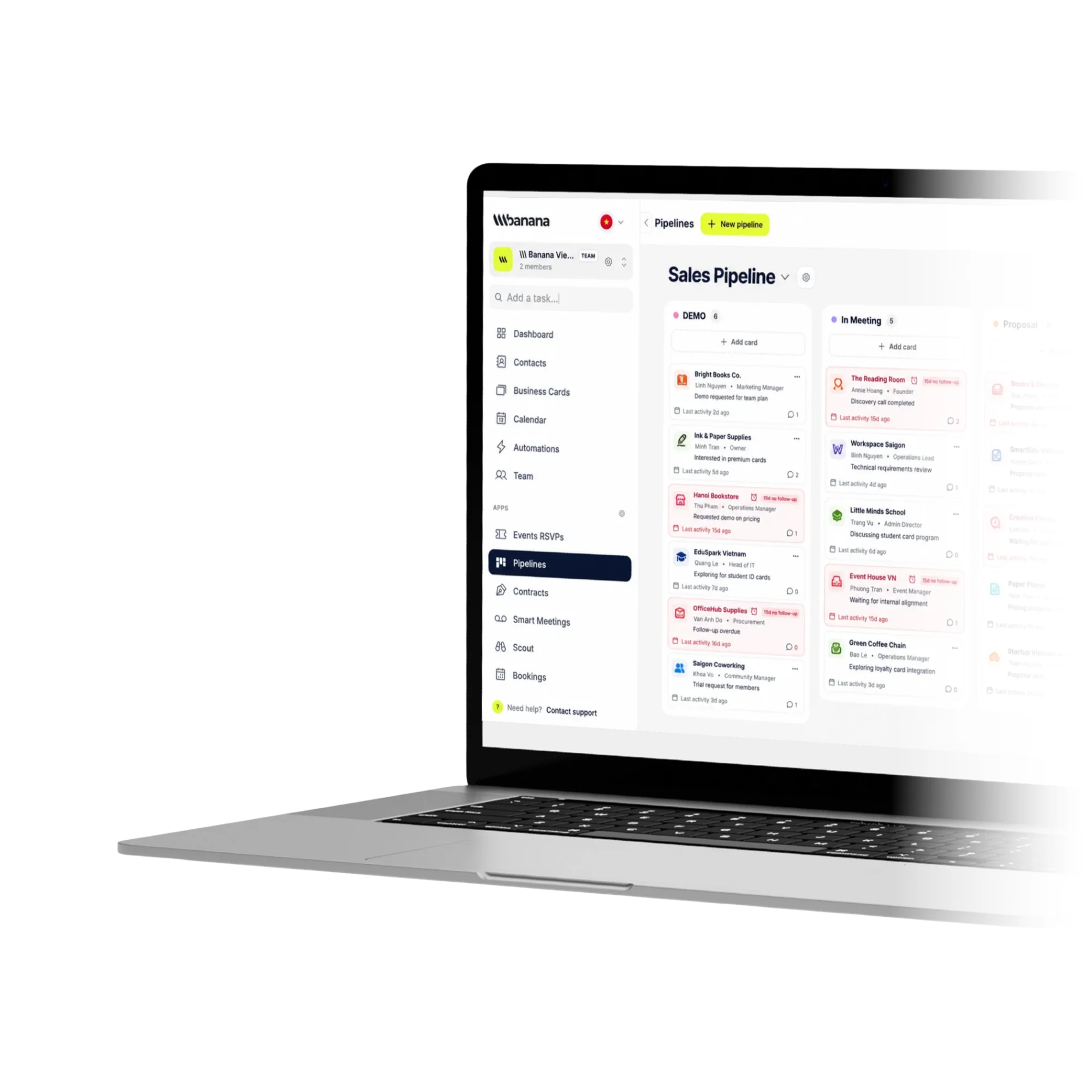
Team
Coach with visibility.
Manager views show open tasks per rep, overdue counts and where work is piling up. Round-robin assignment keeps load balanced.
- Round-robin assignment
- Overdue alerts
- Manager dashboards
- SLA tracking
How it works
Live in minutes, not months.
- Step 1
Create a task
From a contact, deal or meeting.
- Step 2
Assign & schedule
Who, when, how Banana reminds.
- Step 3
Banana nudges
In-app, email, push.
- Step 4
Done — auto-logged
Completion shows in the activity feed.
Capabilities
Built to go the distance.
Every plan ships with the essentials. Upgrade only for team-scale, advanced security, and AI usage at volume.
Compare plans- Unlimited tasks
- Linked to contacts & deals
- Recurring tasks
- Sub-tasks
- Round-robin assignment
- Manager dashboards
- SLA & overdue alerts
- Mobile inbox
FAQ
Questions, answered.
Can I link tasks to a contact, deal or meeting?
Yes — every task can attach to a CRM contact, a pipeline deal card and/or a meeting. That means 'Follow up with Acme on pricing' lives on Acme's contact timeline AND on the Acme deal card AND on your personal task inbox — close it anywhere and it closes everywhere.
Can tasks repeat on a schedule?
Yes — set tasks to recur daily, weekly, monthly or with a custom cadence (e.g. 'every other Tuesday', 'first of every month'). Each occurrence is its own completable task so you keep a clean history of what was actually done.
Will I get reminders for upcoming and overdue tasks?
Yes — Banana groups your tasks into Overdue, Today, Tomorrow, This week and Later, and pushes mobile and email notifications based on your reminder settings. Overdue tasks are visually flagged so they don't get lost.
Can I assign tasks to teammates or round-robin them?
Yes — assign to a specific person, multiple people, or round-robin across a team so workload distributes evenly. Members can see what's on their plate; admins can see the team workload at a glance.
Can tasks be created automatically by other parts of Banana?
Yes — automations can spawn tasks on triggers like 'new contact tagged Lead', 'deal moved to Won', 'meeting finished with action items', or 'contract not signed in 3 days'. So most of your task list builds itself.
Do tasks sync with my calendar?
Yes — tasks with due dates and times can sync as events into Google Calendar, Outlook or Apple iCloud, so they sit next to your meetings.
Never drop a follow-up.
Tasks that live where the relationship does — and remind you when it matters.